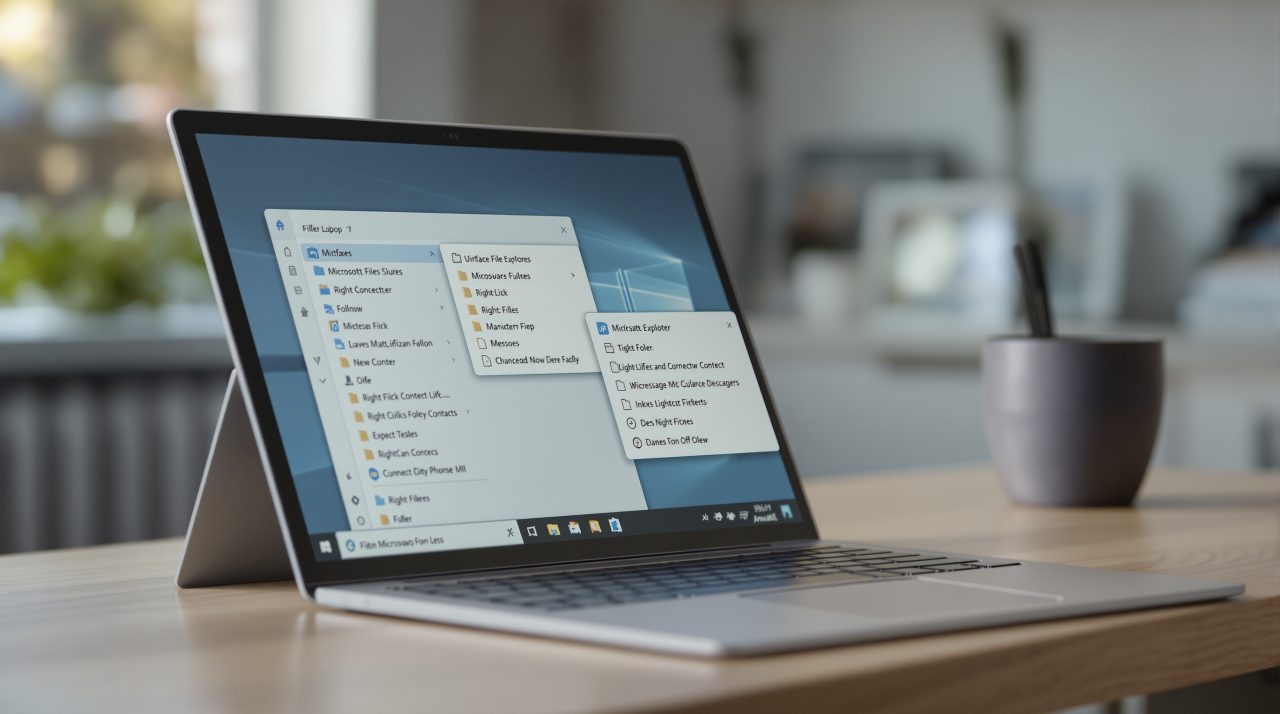
Microsoft has released preview update KB5127936 for Windows 11 versions 25H2 and 26H2, bringing the redesigned Windows 11 context menu in File Explorer to regular PCs. The right-click menu opens faster, shows less clutter, and ends with a Customize menu option, according to Microsoft’s release notes.
If you have ever hunted through a long right-click list for Rename or Share, this is the update aimed at you. The same package also changes File Explorer search, Settings and Xbox mode, so it covers more than the menu.
TL;DR: KB5127936, dated October 28, 2026, puts a faster and shorter right-click menu in File Explorer, with a Settings page to decide which commands and app extensions appear. It rolls out gradually to Windows 11 25H2 and 26H2, and it is labeled a Preview update. Most people can leave the defaults alone, but the new options are worth a look.
What the new Windows 11 context menu changes
Microsoft describes the updated menu as “faster, simpler, and more customizable.” It opens more quickly, shows fewer commands by default, and gives you more control over commands and app extensions.
The control lives at the bottom of the menu. Choosing Customize menu opens a Settings page where you can switch built-in commands such as Send to and Create shortcut on or off, and add commands such as Print.
You can also decide whether app extensions sit in the main menu or a submenu, or hide the submenu entirely. Cut, Copy, Paste, Rename, Delete and Share can appear as labeled items instead of a row of icons, and Properties can move to the bottom.
The labeled option is a small change, but the icon row has always been a guessing game for anyone who does not use it every day. Microsoft says the default setup needs no changes, and holding Shift while right-clicking the desktop shows more options.
How the KB5127936 rollout works
KB5127936 covers OS builds 26300.9818 and 26200.9818 for Windows 11 versions 26H2 and 25H2, across all editions. Microsoft says it uses a gradual rollout, so features reach devices over time and your PC may not show the menu right away.
The redesign is not new to Insiders. It first reached the Beta Channel rollout on October 23, and now it is moving into the update that regular PCs receive.
Microsoft says the features reach all eligible devices at general availability, and a Preview label is a reminder that the full release comes later. If you already installed earlier updates, your device only downloads the new content in this package. That matters most on PCs that already moved to 26H2 after the 26H2 rollout finished.
Other File Explorer, Settings and Xbox changes
File Explorer search results now show name, location and date in a consistent layout. The address bar accepts a tilde to jump to your user profile folder and its subfolders, and the Folder Options dialog supports dark mode.
In Settings, the Privacy & security page groups the Camera, Microphone and Location controls and shows usage information on the main page. The Device Info card on the Settings Home page is expanding to more markets for people signed in with a Microsoft account, with more detail under Settings, System, About.
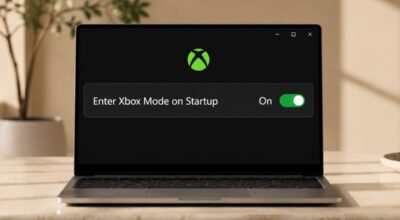
Xbox mode gets a refreshed Gaming Task View with a navigation bar for Exit to Desktop and Power Options. None of this changes how you work in a dramatic way, but the dark mode dialog and the grouped privacy controls remove two small annoyances.
What to check after you install it
If a specific app adds entries to your right-click menu, open Customize menu after updating and see whether its extension landed in the main menu or a submenu. A command that seems to have vanished may simply have moved.
The release notes also carry a Secure Boot notice. Microsoft says the certificates used by most Windows devices started to expire in June 2026, that devices without the newer certificates keep starting and operating normally, and that updated certificates will keep arriving through Windows Update.