Most sites now offer a few ways to prove it is you: a text message code, an authenticator app, a security key or a passkey. They are not equally strong, and the order is not what most people assume.
The best 2FA method is a passkey or a security key, then an authenticator app, then SMS. Any of them beats a password alone, so the real answer is to use the strongest one each account offers.
TL;DR: A passkey or hardware security key is the strongest 2FA option, an authenticator app is a solid middle, and SMS codes are the weakest but still better than nothing. Turn on the best method each account offers, starting with email, banking and payment apps. Never read a code out to anyone who contacted you first.
What is the best 2FA method?
Security keys and passkeys rank first because they do not rely on a code that you can be tricked into typing somewhere else. Authenticator apps come next, and SMS codes sit at the bottom.
The FTC calls security keys the strongest form of two-factor authentication because they do not use credentials that hackers can steal. It describes authenticator apps as safer than text codes, and a text code as better than nothing if that is the only option.
I used to treat “has 2FA” as a yes or no box to tick. The SIM swap risk is what made me look at which method was behind it.
| Method | Resists phishing? | Main weakness |
|---|---|---|
| SMS code | No | SIM swap, and the code can be phished |
| Authenticator app | No | A fake site can still collect the code |
| Security key | Yes | You must carry it and keep a spare |
| Passkey | Yes | Support varies by site and app |
Why SMS codes are the weakest option?
A text code depends on your phone number, and the FTC notes that hackers can take over a number through a SIM card swap and receive your codes before you realize it. The code itself can also be handed over to a scammer who asks for it.
CISA’s phishing-resistant MFA fact sheet says the agency treats SMS and voice codes as a last resort. SMS is also fiddly in real life from what I have experienced.
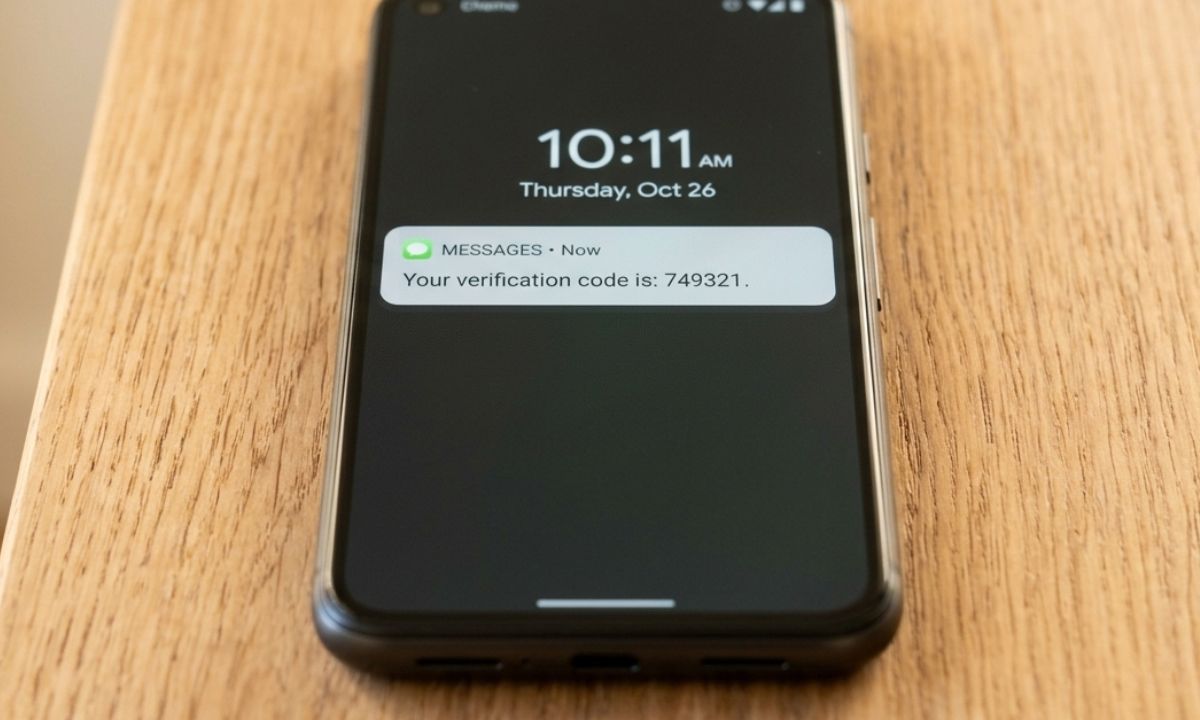
I’m trying to authenticate a login, and a code that has been sent via SMS is yet to appear. Codes arrive late, or not at all. This can get very troublesome in urgent situations.
Where authenticator apps fit
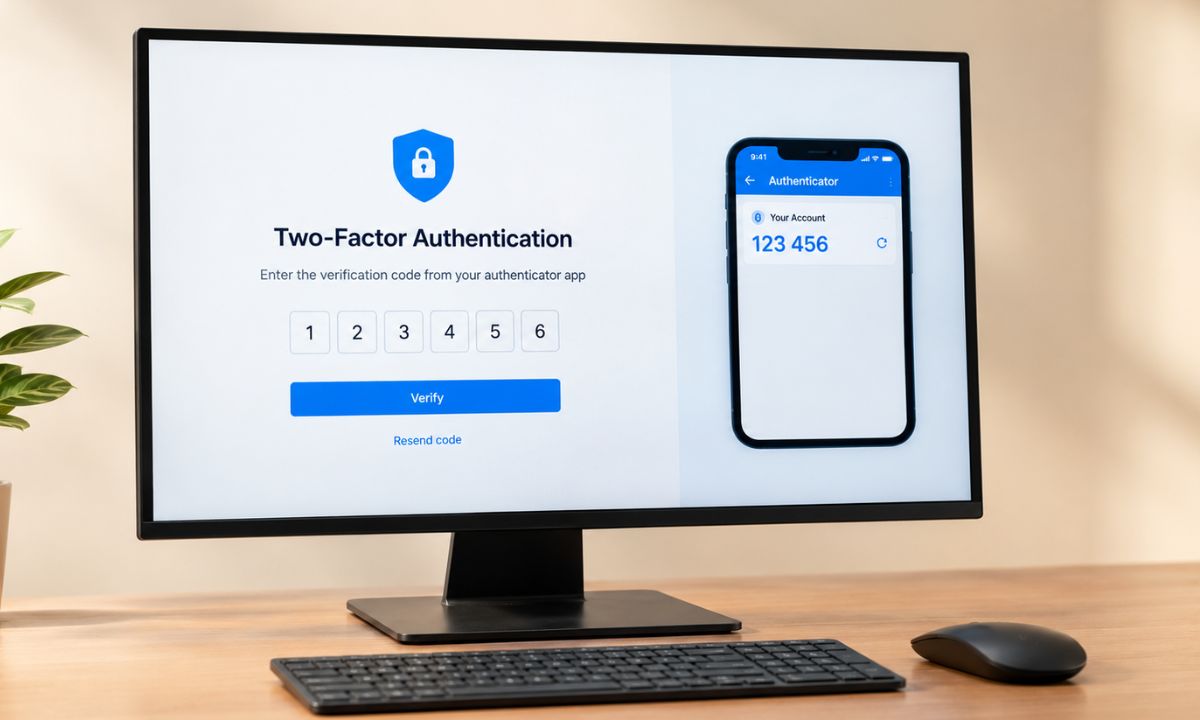
An authenticator app generates the code on your phone, so there is no text message to intercept or swap. The FTC lists Google Authenticator, Microsoft Authenticator, and Duo as examples.
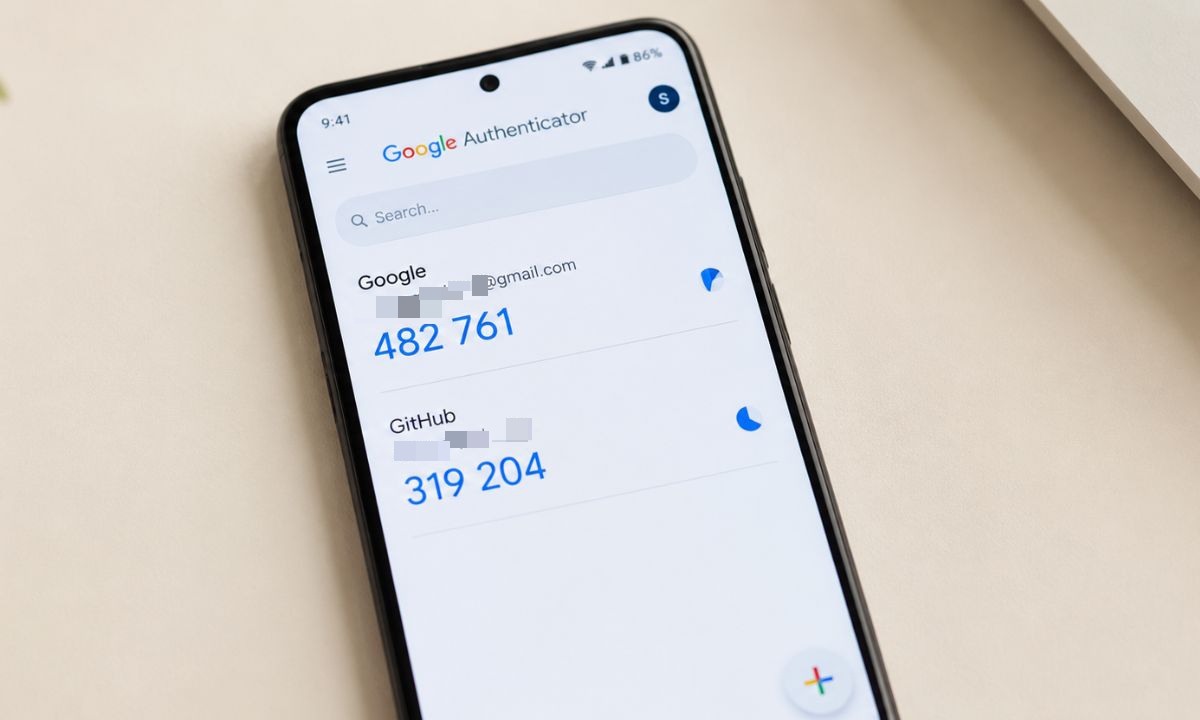
The weak spot is that a convincing fake login page can still collect the six digits you type. Some apps send a push notification instead, and CISA’s guidance, as summarized by law firms, warns about “push bombing”, where attackers spam approvals until you tap one by accident.
Security keys and passkeys
A security key is a physical device that plugs into USB or connects over NFC. CISA’s guidance, again as summarized, names FIDO and WebAuthn as the phishing-resistant options, and passkeys use that same family of standards.
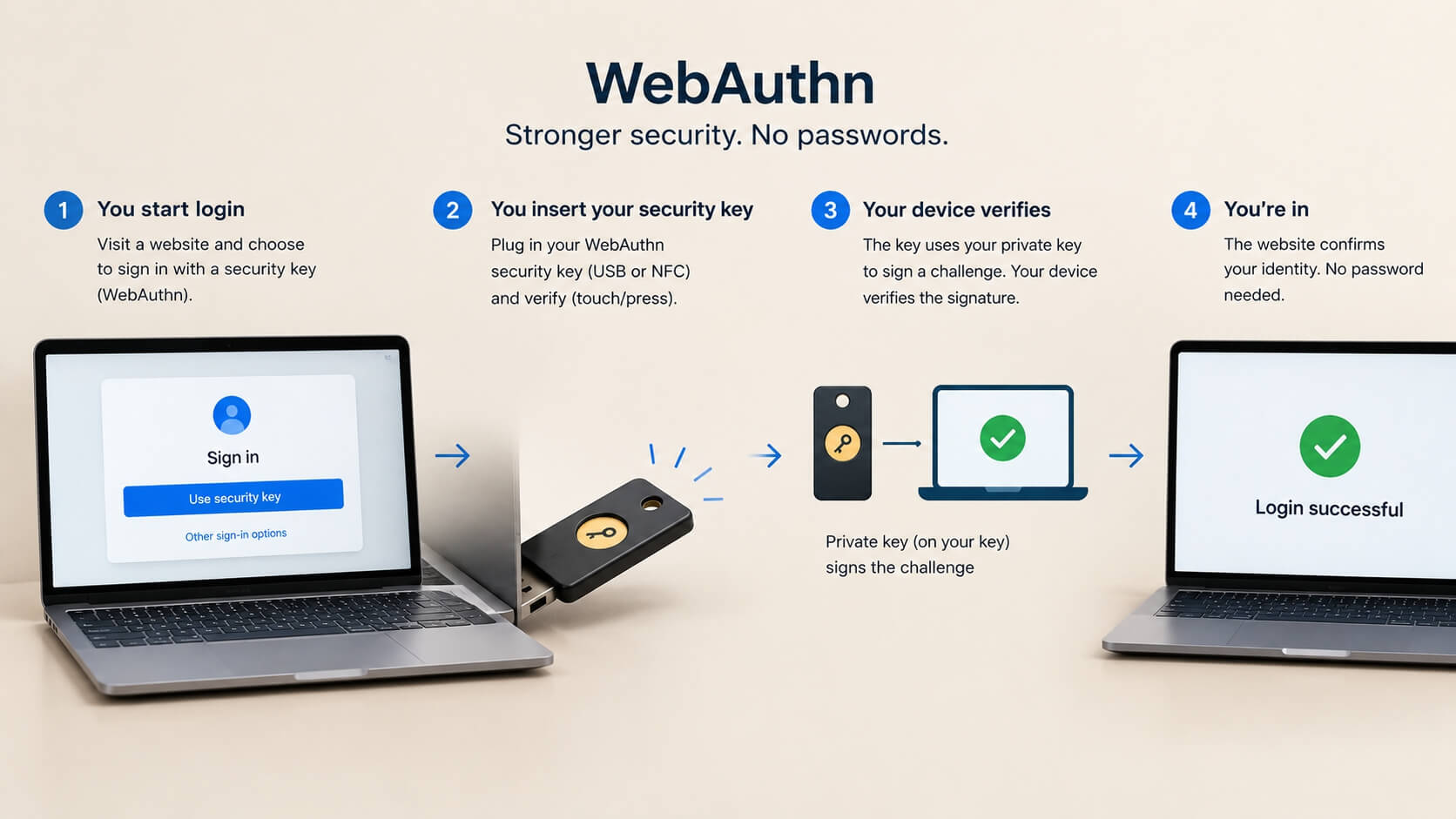
The catch with both is coverage. Not every site offers them yet, so you may end up running a passkey on one account and an authenticator app on the next, which is a little untidy but fine.
If you switch phones, our note on moving passwords and passkeys on Android is worth a look first.
A sensible authentication setup for most people
Start with the accounts that can reset everything else: email, banking and payment apps. Use a passkey or security key where offered, an authenticator app where not, and SMS only when it is the sole option.
The FTC adds one rule that holds for every method. If someone who contacted you asks for your verification code, do not share it.
Frequently Asked Questions
Is SMS 2FA still worth using?
Yes, SMS 2FA is still better than a password alone. The FTC says a text code is better than nothing when it is the only option offered.
Is an authenticator app better than SMS?
An authenticator app is safer than SMS, according to the FTC, because the code is not exposed to a SIM swap. It can still be phished on a fake login page.
What is the most secure 2FA method?
A hardware security key is the strongest, according to the FTC. Passkeys share the same phishing-resistant FIDO foundations.
Can I lose access if I lose my phone?
Yes, which is why you should save the backup codes each service offers and keep a spare key if you use one. Set this up before you need it.
Use the strongest option you can live with
The perfect method is the one you actually keep turned on. A passkey you never set up protects nothing, and an SMS code on every account is far better than none. Upgrade the important accounts first, then work down the list when you have a spare hour.