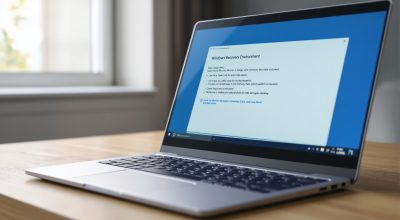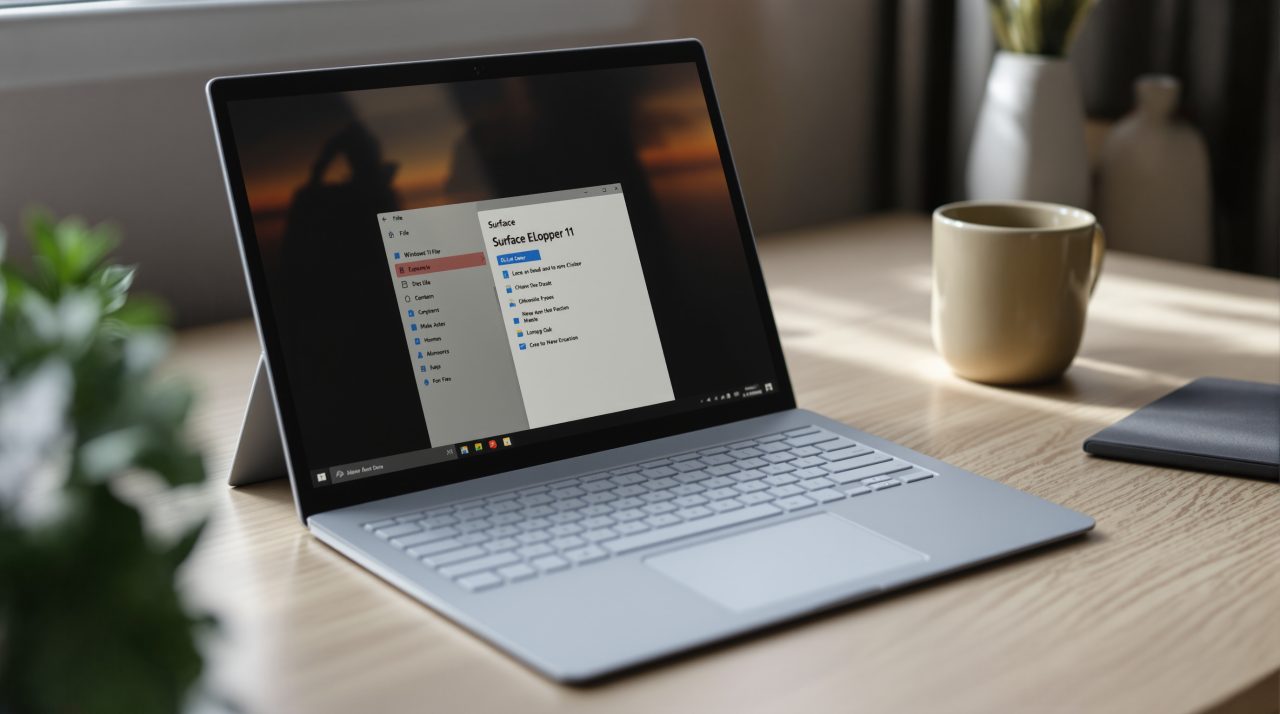
Microsoft is testing a faster, less cluttered Windows 11 File Explorer context menu that you can customize command by command, in Release Preview build 26200.9807 released October 16, 2026. The same update adds Cloud rebuild, a way to reinstall Windows from Windows Update even when the PC will not start. If you have ever right-clicked a file and scrolled past a dozen entries to find Print, this is aimed squarely at you. Both changes roll out gradually, so not every Release Preview PC will show them yet.
TL;DR: Windows 11 Release Preview builds 26200.9807 and 26300.9807 add a customizable File Explorer right-click menu and a Cloud rebuild option that reinstalls Windows without USB media. Microsoft’s release notes do not list known issues, but features arrive gradually and no general release date is given. Cloud rebuild carries a data loss warning, so it is a last resort.
What the Windows 11 File Explorer context menu lets you change
The updated menu opens faster and carries less clutter, according to Microsoft’s Release Preview release notes. A Customize menu entry at the bottom opens a Settings page where you decide what stays.
| What you can change | Example from Microsoft |
|---|---|
| Built-in commands | Turn Send to or Create shortcut on or off |
| Added commands | Add Print to the menu |
| App extensions | Show in the main menu, in a submenu, or hide the submenu |
| Basic actions | Show Cut, Copy, Paste, Rename, Delete and Share as text instead of icons |
| Properties | Move it to the bottom |
File Explorer gets smaller touches too. The address bar accepts ~ to jump to your user profile, and the Folder Options dialog now supports dark mode. We covered an earlier tweak, the August file size fix, too.
Not a dramatic change, but an honest one. The other headline feature in this build deals with a much worse day than a crowded menu.
Cloud rebuild reinstalls Windows without a USB drive
Cloud rebuild reinstalls Windows 11 using a Windows image and drivers from Windows Update, even when Windows will not start. No USB media or custom image is needed.
You start it from Settings, then System, then Recovery, by selecting Rebuild PC. After repeated boot failures it also appears in the recovery environment under Troubleshoot, then Recovery and uninstall. Windows 11’s other recovery feature, Point-in-Time Restore, was switched on by default in July, as our recovery rollout coverage explained.
Next you connect to Ethernet or Wi-Fi, review the target build, edition and language, and confirm a data loss warning. You then choose between removing files or removing and sanitizing them, and sanitization cannot be undone. That makes it the option after every other fix has failed.
IT admins can also configure and start it remotely, but most of the rest of this build is aimed at everyday users.
Smaller changes worth knowing about
Edge should open faster. If it is already running in the background, clicking a link or opening it from the taskbar or Start now routes the request to the running instance instead of starting a temporary process, which Microsoft calls the first step in a capability any app can adopt.
Laptops get an adaptive hibernate policy for quicker resumes from Modern Standby, with less hibernation while the battery is above 80% and earlier hibernation below 10%.
Magnifier gains per-monitor zoom and viewport locking, and Phone Link can preview a message or notification in Start. Whether any of it reaches your PC soon is the open question.
Who sees this first and what to do about it
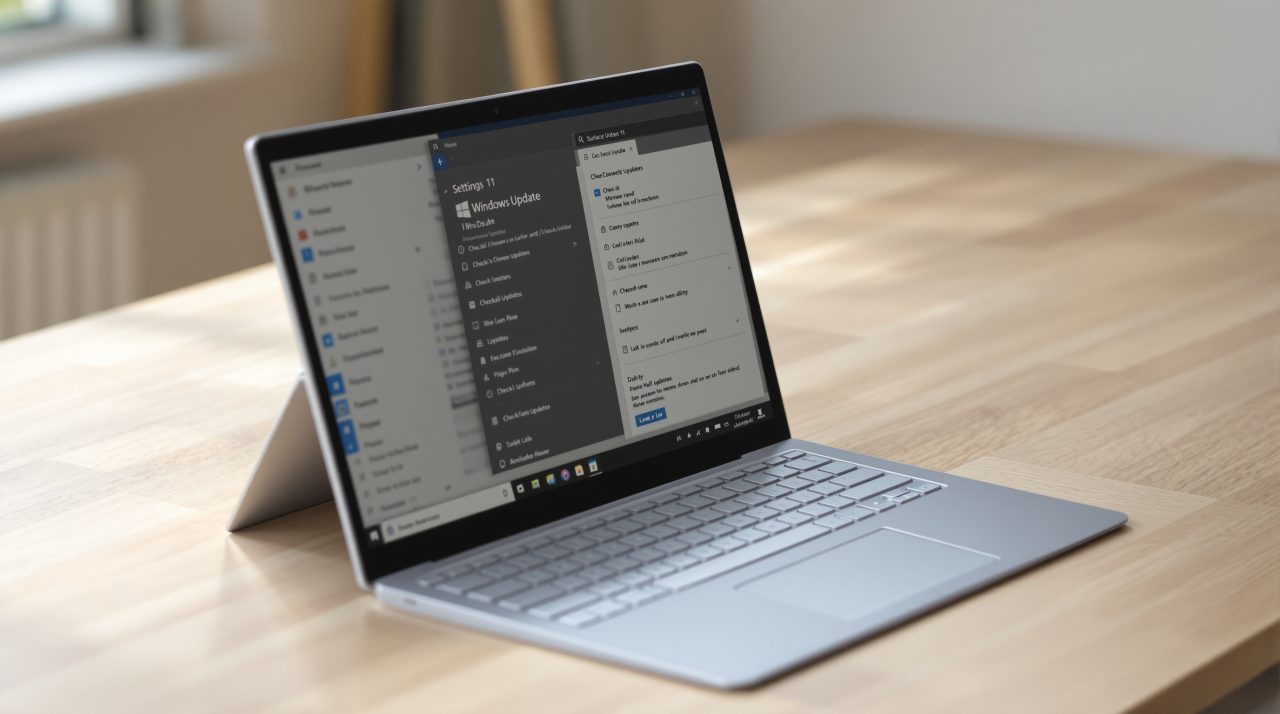
The update is in Release Preview for Windows 11 25H2 (build 26200.9807) and 26H2 (build 26300.9807), packaged as KB5127936. Microsoft splits features into a gradual rollout and a normal rollout, and the notes say the normal rollout usually lands at general availability. No date is given for either.
If you are not in the Insider program, there is nothing to do yet. In Release Preview, install the update and look for Customize menu at the bottom of the right-click menu. If it is missing, the staged rollout has probably not reached your PC.
Skip Cloud rebuild on a PC you care about unless your backups are current.