Microsoft Edge updates may soon install without asking you to restart. In a post dated October 15, 2026, the Edge team showed a working prototype that moves the browser to a newer version while your tabs stay open. It is not in production Edge or in Chromium yet, so nothing changes on your PC today. The post still shows why restart prompts are a security problem, and it points to one opt-in setting you can switch on right now.
TL;DR: Microsoft has built a prototype that updates Edge in the background without closing your work, but it is not shipping and has no date. What exists today is Restart to update on idle, an opt-in setting that relaunches Edge when your device is idle and restores your tabs. The goal is a smaller gap between a fix existing and you having it.
Why Microsoft Edge updates leave a gap
A security update only protects you after it is applied, and Microsoft calls the delay in between the patch gap. In its Edge developer blog post, Microsoft defines it as the time between a fix becoming available and the update being applied.
Restarts stretch that gap. Most people have felt the nudge to relaunch the browser and dismissed it because a half-finished form or a dozen research tabs were open. The browser can then stay open for days while the fix goes unused.
Microsoft ties the urgency to its 2026 Digital Defense Report, which it cites for the way AI is compressing attack timelines and speeding up vulnerability discovery. Edge is built on Chromium but is not locked to the Chromium release schedule, and the post says Microsoft can ship Edge patches independently when it decides customers need protection sooner.
The same logic applies to every browser, including Chrome, where the Chrome 155 critical fixes only help after a relaunch. Microsoft is now publicly working on removing that step.

How the seamless update prototype works
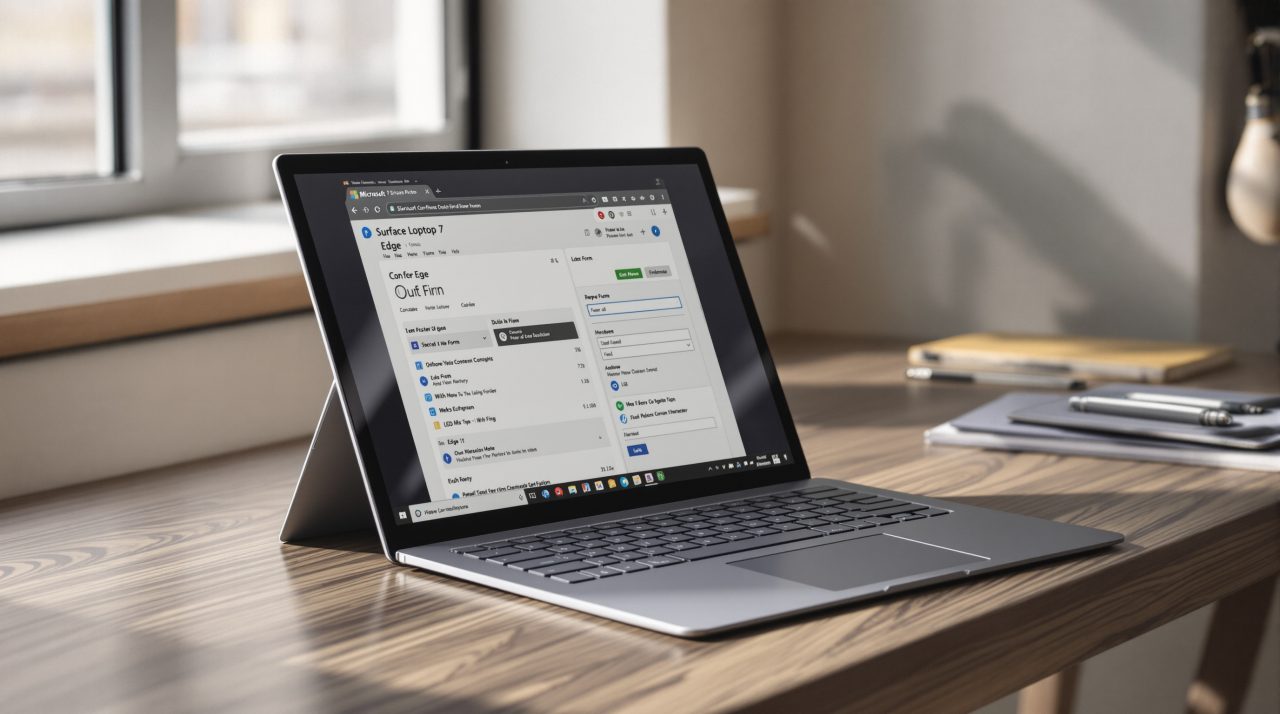
Microsoft’s demo shows a user filling out an expense report while Edge updates in the background. The form stays open, and the browser, its supporting processes and the open tabs move to the new version without a closed window.
The post lays out three steps. The new version downloads quietly, the browser takes over without closing your work, and existing tabs adopt the new version when possible after navigation. Tabs only stay on the old version when the two versions are compatible.
The demo includes an Update button click so viewers can see when the switch starts, but the stated goal is that users would not need to click anything. Microsoft says updates could be applied within minutes of becoming available.
That is a bigger engineering promise than it sounds, because a browser is many processes that all have to agree on which version they are running. Microsoft also says the prototype is not in production code or Chromium, and it invites other industry players to explore similar approaches.
| Feature | Status | Who it applies to |
|---|---|---|
| Seamless background updates | Prototype, not in production | Demo only |
| Restart to update on idle | Available, opt-in | Edge users |
| Independent Edge patches | Available when Microsoft decides they are needed | Edge users |
| Security Update Alerts | Available, no additional licensing | Managed Windows devices |
Only the middle two rows are likely to matter on a typical home PC, which leads to the setting you can use today.
Restart to update on idle is the part you can use
Restart to update on idle was formerly named Instant Updates. Once you opt in, Edge relaunches when the device is idle, applies the pending update and restores your open tabs, according to the Edge team. Microsoft documents the setting on its Edge support page.
It is still a restart, and Microsoft says so plainly. What changes is when it happens: away from the form you were typing into, rather than in the middle of it.
Microsoft says this can get people the latest protection in hours instead of days. For a laptop you leave open over lunch, that is the difference between patched by the time you sit back down and patched whenever you next give in to the prompt.
Organizations can switch the same behavior on through the Monitoring dashboard in the Edge management service.
Security Update Alerts and what they say about priorities
Security Update Alerts are aimed at IT admins rather than home users. Admins set a minimum severity threshold, then get dashboard alerts and email notifications when a release includes security fixes at or above it, including releases that address zero-day vulnerabilities.
The Monitoring dashboard lists the release severity, the CVEs addressed, how many managed Windows devices may still need the update, and the latest versions across Edge channels. Admins can then prompt a restart or set automatic restarts for idle devices.
Microsoft says the feature is available now for managed Windows devices and needs no additional licensing. If you are weighing browsers on how quickly they protect you, our browser comparison for 2026 covers the wider picture.
What to do with Edge this week
Do not wait for the prototype. Microsoft gave no version number, no release channel and no date for seamless updates, so treat the demo as a direction rather than a feature.
Check whether Edge on your PC has a pending update and relaunch it, then look at the idle restart setting if you tend to leave the browser open for days. Not a dramatic change, but an honest one: the fix that reaches you sooner is the one that matters.