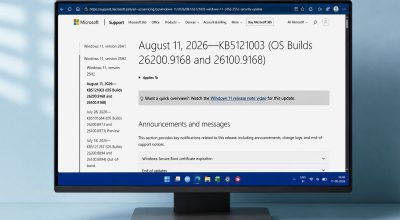
The Windows 11 24H2 end of updates lands on October 13, 2026 for Home and Pro editions, according to Microsoft’s lifecycle page. After that date, those PCs stop receiving monthly security updates, bug fixes and technical support from Microsoft.
If your laptop belongs to you rather than an employer, Microsoft says it will move you to a newer version on its own. You can also skip the wait, and the check takes about a minute. The catch is that a postponed update leaves a PC unpatched for as long as you keep putting it off.
TL;DR: Windows 11 version 24H2 Home and Pro stop getting security updates after October 13, 2026. Microsoft says unmanaged PCs will be moved to version 25H2 automatically, but you can postpone it. Open Settings, check your version, and install the update if you are still on 24H2. Version 26H2 is also out and is supported longer.
What the Windows 11 24H2 end of updates covers
Microsoft’s 24H2 status page says devices on these editions will no longer receive “fixes for known issues, time zone updates, technical support, or monthly security and preview updates containing protections from the latest security threats.”
Think of a laptop that sits in a drawer and gets opened once a month for a tax form or a school login. It still boots and still works, which is exactly why nobody notices it has stopped being patched.
| Version | Available since | Home and Pro updates end |
|---|---|---|
| 24H2 | October 1, 2024 | October 13, 2026 |
| 25H2 | September 30, 2025 | October 2027 |
| 26H2 | September 29, 2026 | October 10, 2028 |
The dates come from Windows 11 release health. Which version you are on decides how much runway you have left.
Will Windows update your PC automatically?
For most home users, yes. Microsoft says Home and Pro devices on 24H2 that are not managed by an IT department “will receive the Windows 11, version 25H2 update automatically,” and that you can choose when to restart or postpone it.
That banner on the 24H2 status page is dated March 27, 2026, and it gives no date for the automatic move. So the safe reading is that it will happen eventually, not that it already has.
Postponing for a day is harmless. Postponing for weeks is a different thing once the security updates have stopped.
How to check your version and install the update
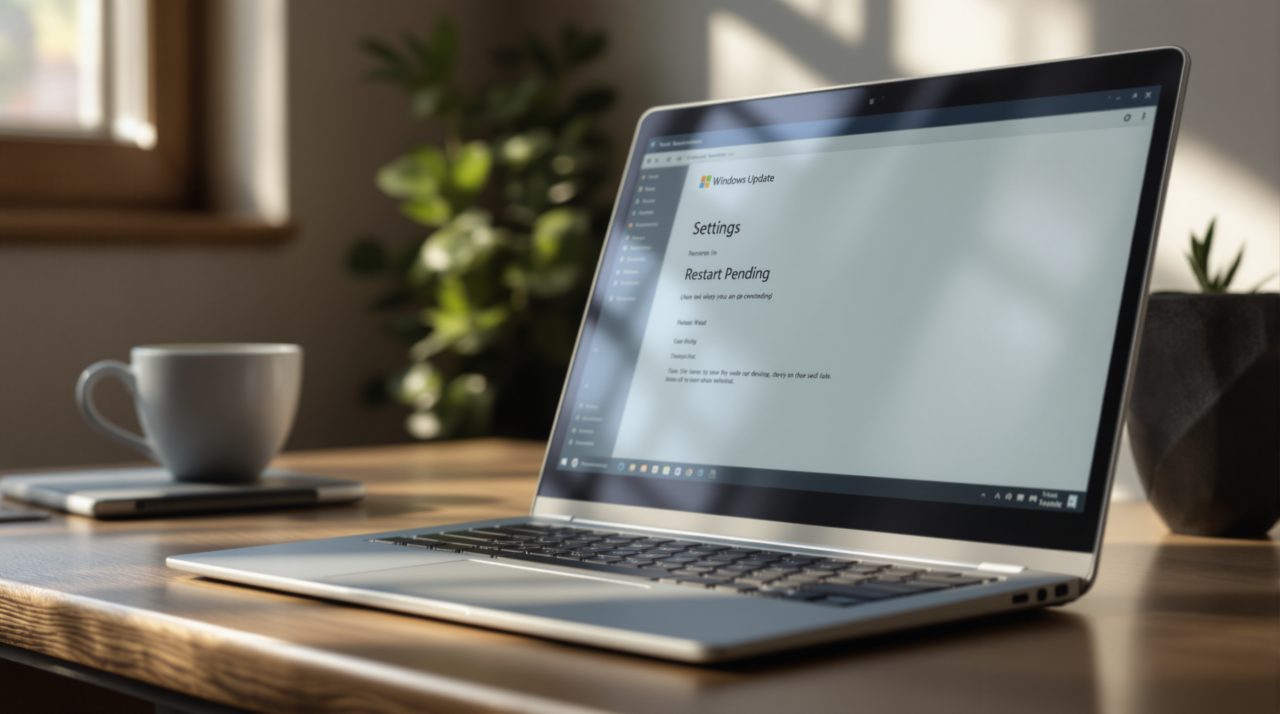
Open Settings, go to System, then About, and read the version number under Windows specifications. If it says 24H2, go to Settings, then Windows Update, and select Check for updates.
Microsoft says an eligible device that is ready will show an option to download and install the newer version. If nothing appears, your PC may simply not have reached that stage of the rollout yet, so check again in a few days.
Version 26H2 reached general availability on September 29, 2026 and is listed with support through October 10, 2028 for Home and Pro. What Windows Update offers your own PC can still depend on your hardware and rollout stage.
Who the cutoff does not touch
Work laptops are the main exception. Enterprise and Education editions of 24H2 keep getting updates until October 12, 2027, and managed devices follow whatever schedule the IT team sets.
PCs already on 25H2 or 26H2 are unaffected, and so is anyone on a newer build. Version 23H2 Home and Pro already ended earlier, so those machines were behind before this date arrived.
Why waiting costs more than it seems
A PC does not get less secure on the day support ends. It gets less secure on every Patch Tuesday after it, because each monthly fix ships only for versions still in support.
Microsoft’s September update, for example, patched two actively exploited flaws. A 24H2 PC that misses the next batch of fixes like that has no protection against whatever comes next.
It is not a dramatic deadline, but it is a real one, and the fix is a few clicks away.