Microsoft is rebuilding Windows Search from scratch, and Insiders in the Experimental channel can start testing it today. The new version, announced in an official Windows Insider post on October 7, 2026, trades the old list-plus-preview layout for a single results list that can also flip settings and arrange windows for you.
If you have ever typed “dark mode” into the taskbar, clicked the result, and then hunted through Settings anyway, this is the redesign aimed at that moment.
TL;DR: Windows Search is being rebuilt on WinUI 3 with one results list and inline actions such as dark mode, Bluetooth, mute and window snapping. It is limited to Experimental channel Insiders, in English only, and only on the taskbar for now. Start menu search keeps the old experience until next year, so most people will wait.
What the new Windows Search can do
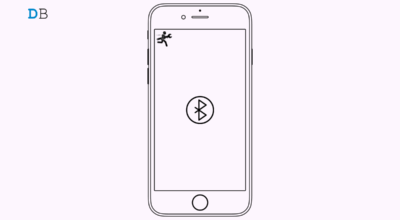
The headline change is that Windows Search now acts on a request instead of only finding it. At launch, inline actions cover dark mode, Night Light, Bluetooth, screen brightness, mute, minimizing all windows, and arranging windows on screen. Microsoft’s own demo snaps Edge and Word side by side from the search box.
Phone actions are listed as coming soon, with sending a text from a Phone Link connected device as the example. Search is also being tuned to cope with typos and synonyms, and Microsoft says that tuning will continue over the coming weeks.
Not every piece is ready yet, which is why the timeline matters more than the feature list.
| Feature | Status |
|---|---|
| Single results list and inline actions | Rolling out from October 7, 2026 to Experimental Insiders |
| Typo and synonym matching | Included, with tuning over the coming weeks |
| Phone actions through Phone Link | Coming soon |
| Inline file and photo previews, richer file details | Later this year |
| Rich web answers such as weather or stock prices | Later this year |
| Filters for narrowing results | Later this year |
| New search in the Start menu and other taskbar positions | Next year |
How to turn on the new Windows Search
You need to be an Insider in the Experimental channel first. Upgrade to build 26340.9616 (Experimental) or build 28120.3181 (Experimental 26H1), then go to Settings > Windows Update and click Check for updates. Restart the PC afterward.
After the restart, a flag called New Windows Search Experience should appear under Settings > Windows Update > Windows Insider Program > Feature flags. Microsoft says the rollout is gradual and English only, so the flag may take a while to show up.
Feedback goes through Feedback Hub (Win + F) under Desktop Environment > Search. Anyone who tries it on a daily machine should expect rough edges, since Experimental builds are where Microsoft tests ideas that may change or disappear.
Why a faster Windows Search needed a rebuild
Microsoft says the new search is built on WinUI 3 and that early testing shows substantial improvements in performance and memory use. The post gives no figures, so treat that as a claim to measure rather than a result.
The layout decision is the more interesting one. Microsoft says nearly all clicks came from the results list on the left rather than the preview pane, which is why the design centers on a single list. That is an honest use of usage data, and previews are planned to return as inline additions later in the year.
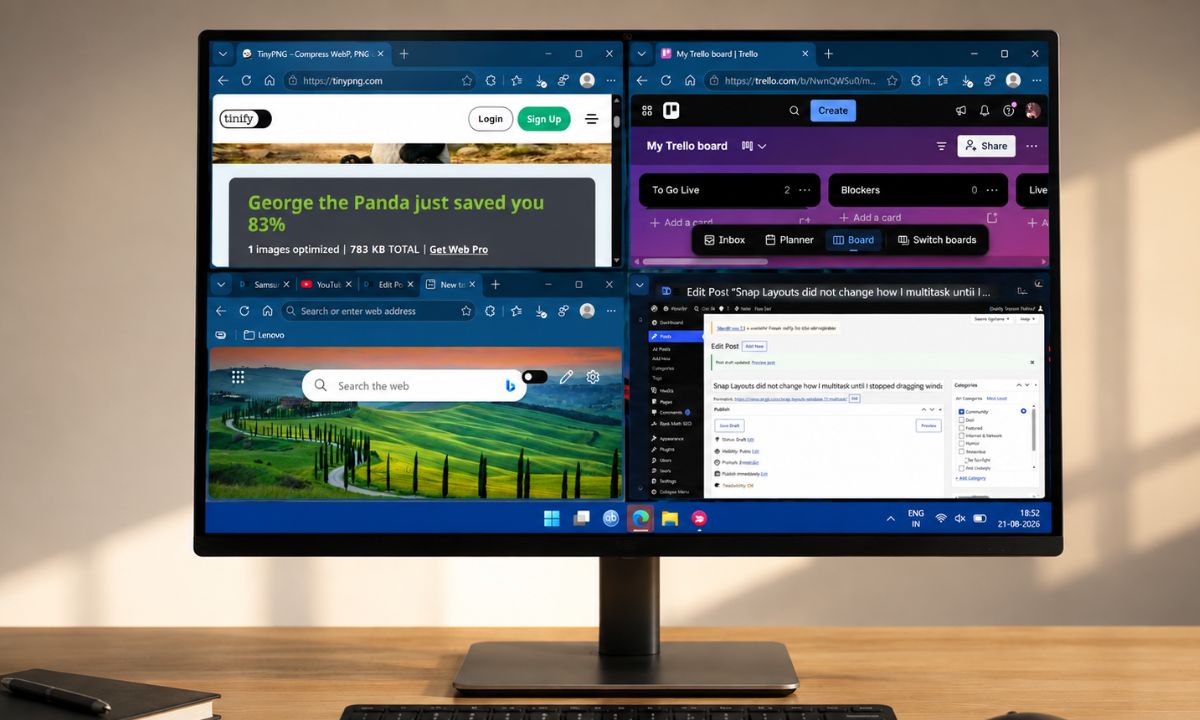
For anyone who relies on Snap Layouts, typing a request to arrange windows is a plausible shortcut, though it is still an Experimental feature and worth testing before you change habits.
What to expect before it reaches everyone
The new search is on the taskbar only for now. Microsoft says Start menu search keeps the existing experience in the initial previews, with the new version coming to the Start menu next year. The post does not say whether the old taskbar search stays available as a fallback.
Beta channel builds, including 26220.9606 released the same day, are not part of this rollout, so regular Windows users are further away from it than the Insider headline implies. For most people this will be invisible until the day the old search box quietly changes.
The better test of the redesign will be small: whether a typo still finds the file you meant, and whether turning on Bluetooth takes one line instead of four clicks.