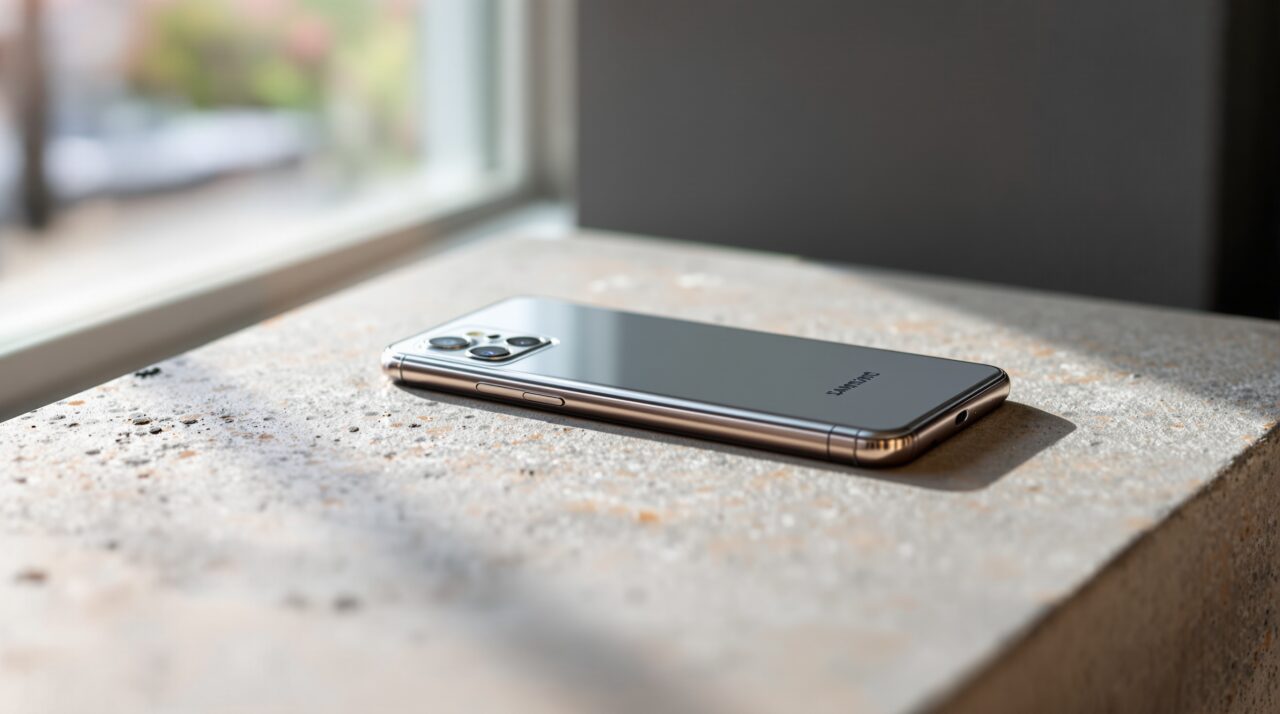
Android 17 powers the Galaxy S26, but what ships on the device is not Android 17. It is One UI 9, Samsung’s full-layer rebuild of the OS, and the gap between the two is wider than most people realize.
The features Google ships on a Pixel 10 and the features Samsung ships on a Galaxy S26 running the same Android version are genuinely different products in daily use.
TL;DR: One UI 9 ships on Galaxy S26 with Android 17 underneath, but Samsung adds exclusive features including Galaxy AI Live Translate 2.0, Now Bar contextual suggestions, Multi-Window Snap Grid, and an enhanced Secure Folder. Some Android 17 features like Priority Charging and the Contacts Picker are present but adapted. Material 3 Expressive animations are replaced entirely by Samsung’s own design language.
What Samsung kept from Android 17 and what it replaced
Samsung has a consistent approach across every major Android release: take what is useful, rebuild what it considers inferior, and add its own layer on top. One UI 9 follows that pattern exactly.
The privacy improvements in Android 17 pass through largely intact. The new Contacts Picker, the LAN permission defaults, and the SMS OTP delay all ship in One UI 9. These are framework-level changes that Samsung has no reason to fight.
The Material 3 Expressive design language that Google built into Android 17 does not survive the transition. Samsung replaces it with One UI 9’s own visual system: different animation curves, different rounded corner radius values, a different approach to color theming. If you use a Pixel 10 and pick up a Galaxy S26, the underlying OS version is the same. The visual experience is not.
| Feature | Android 17 base (Pixel) | One UI 9 (Galaxy S26) |
|---|---|---|
| Priority Charging | Yes, requires 30W+ | Yes, adapted for Samsung charging |
| Contacts Picker | Session-based access | Present, same behavior |
| Design language | Material 3 Expressive | One UI 9 visual system |
| Live Translate | Not included | Galaxy AI Live Translate 2.0 |
| Now Bar | Not included | Yes, contextual lock screen suggestions |
| Multi-Window Snap Grid | Not included | Yes, up to 4 panels |
| Secure Folder | Not included | Yes, enhanced with biometric refresh |
| Gemini Intelligence | Full rollout on Pixel 10 | Full rollout on Galaxy S26 |
The Galaxy AI features that Pixel never gets
Galaxy AI Live Translate 2.0 is the clearest example of Samsung’s exclusive layer. The feature runs real-time translation during phone calls, both directions, without routing audio through the cloud on supported hardware.
Samsung has been building this since the Galaxy S24 generation, and the One UI 9 version expands the language list and improves latency on the Snapdragon 8 Elite Gen 5 in the S26 series.
The Now Bar is a persistent contextual strip in the lock screen that surfaces suggestions based on time, location, and usage pattern. It is not an Android 17 feature. Google has nothing equivalent on Pixel.
If you are at an airport, Now Bar surfaces your boarding pass. If it is Monday morning, it shows your first calendar event. The intelligence behind it runs on-device using Samsung’s own context engine, separate from Gemini.
Multi-window and DeX changes in One UI 9
Multi-Window Snap Grid is One UI 9’s biggest productivity addition for non-foldable Galaxy users. The feature lets you pin up to four apps into a grid on the Galaxy S26 Ultra’s 6.9-inch display, saving and restoring the layout across sessions.
Android 17 supports app bubbles, where up to five apps float over your current screen, but it does not have a persistent snap grid system. These are different approaches to multitasking, and for S26 Ultra users the grid is genuinely useful in ways the bubble approach is not.
DeX mode, Samsung’s desktop interface when connected to a monitor, continues in One UI 9 with an updated window management system and improved cursor support. It remains a Samsung-only feature. There is no Android 17 equivalent.
Where One UI 9 lags behind Pixel
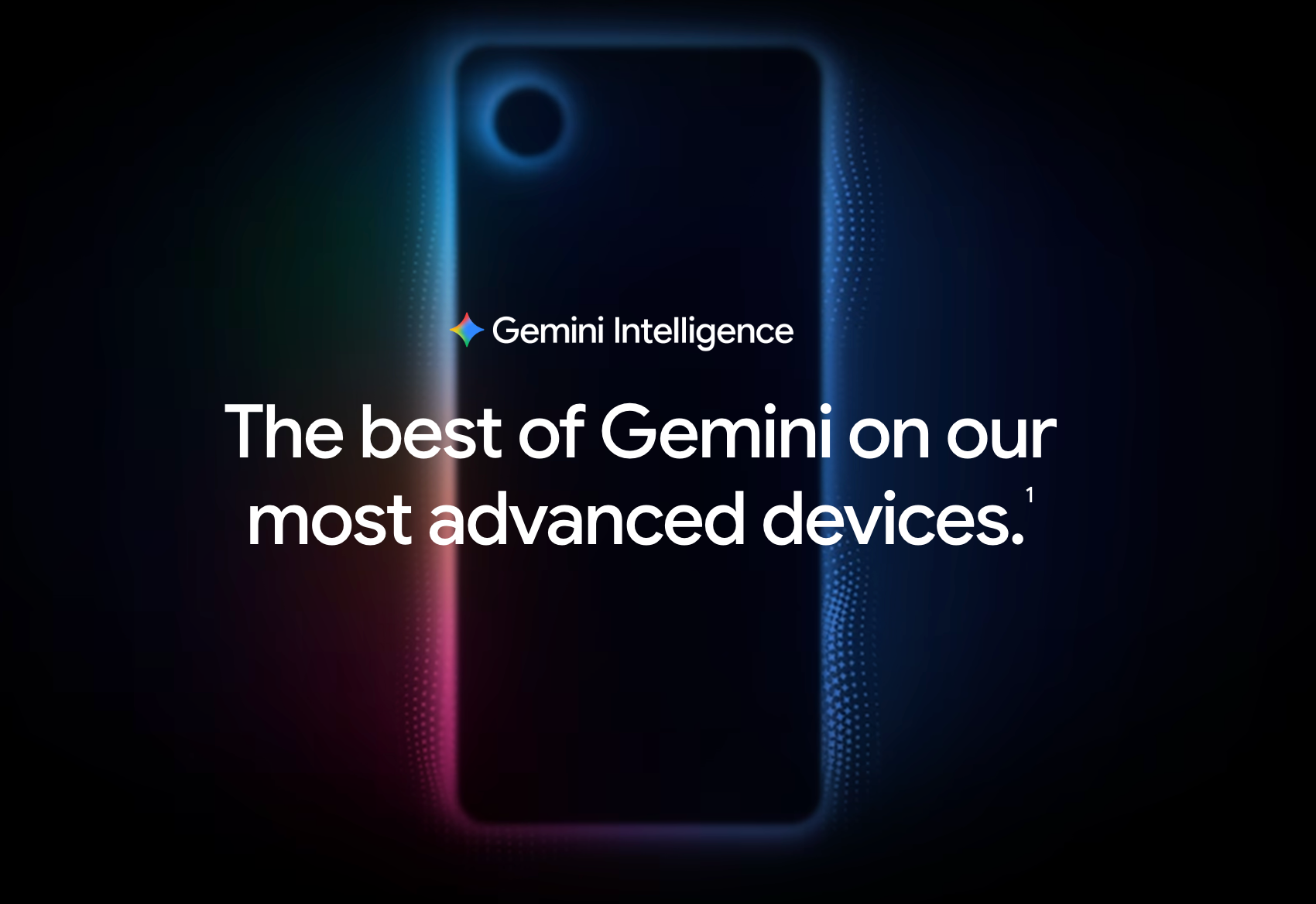
The honest part: Gemini Intelligence arrives on Galaxy S26 at the same time as Pixel 10, but the Pixel integration is tighter. Google confirmed at The Android Show on May 12 that Gemini Intelligence features like Create My Widget and Rambler are designed for the Pixel launcher first. Samsung’s launcher adaptation is confirmed to arrive in a phased rollout, not on day one of Android 17 stable.
Material 3 Expressive animations are also cleaner on Pixel in early beta builds. Samsung’s own animation system is polished, but it does not match the spring-physics behavior Google built into Android 17. If smooth OS animations matter to you, the Pixel 10 has the edge here.
Which Android 17 phone actually makes sense
If you are already in the Samsung ecosystem and use DeX, Live Translate, or the S Pen on the Ultra, One UI 9 on Galaxy S26 is the stronger daily driver.
The exclusive features are not gimmicks. They are genuinely used by people who bought into the Galaxy platform specifically because of them.
If you care about the cleanest Android 17 experience, the fastest Gemini Intelligence integration, and the most direct relationship between Google’s software vision and your phone, the Pixel 10 is the correct choice. It is the phone Android 17 was designed for first.