Quick Summary
EXE Installers are more efficient for installtion compared to the Microsoft Store; a few popular apps are available as 3rd party installtion only. They are easy to update and can be installed offline anytime once downloaded.
Being a Windows 11 user, I used to rely on the Microsoft Store to download apps. However, I would often experience drastically slow downloads or the download getting stuck midway. My frustration meter shoots through the roof when the Windows Store makes me wait forever to download an app.
To save my time and download apps swiftly, I have started to depend on the executable installers for the apps I want to install. These are the [.]exe files that you download from an app’s official website and launch them to perform the installation.
Also, most of the time, I would not find the app I’m looking for on the Microsoft Store. It would feel as if Microsoft is rage-baiting me with those antics. This is where exe installers come to my rescue. I can directly get them from the app’s website and install the app without losing my mind on the unreliability of the Microsoft Store.
More People Prefer EXE installers than Microsoft Store Downloads
I went around the internet to find some data on how many people prefer using EXE installers over app installation from the Microsoft Store. I was not surprised to find a lot of Windows users trusting EXE installers to install apps on their PCs.
| Source | Preference |
| r/Windows | 80-90% prefer EXE installers |
| r/Windows11 | 70-80% prefer EXE installers |
| r/pcmasterrace | 80% support using EXE installers |
As per my observation from the discussions in the Windows-specific subreddits and other tech forums, a vast majority of Windows users use EXE installers for app installation.
Unavailability of apps on the Microsoft Store
With so many apps hosted on the Microsoft Store, sometimes a few technical aspects of the platform may cause things to break. On the other hand, occasionally you don’t even find the apps you are looking for on the Microsoft Store. I’m referring to the open-source apps that you usually don’t find on popular app stores.
The server issues might show up on the Microsoft Store when you least expect them. This can affect the app download experience. When trying to install/update multiple apps, you would experience a slower turnaround time with the process.
If the system crashes or the Microsoft Store freezes, thanks to the ever-buggy Windows OS, you have to start everything from scratch or spend extra time troubleshooting things on the PC.
Compared to this situation, installing a standalone app from its original website is far easier. Today, every app developer/parent company makes their apps available on an official download page of their website.
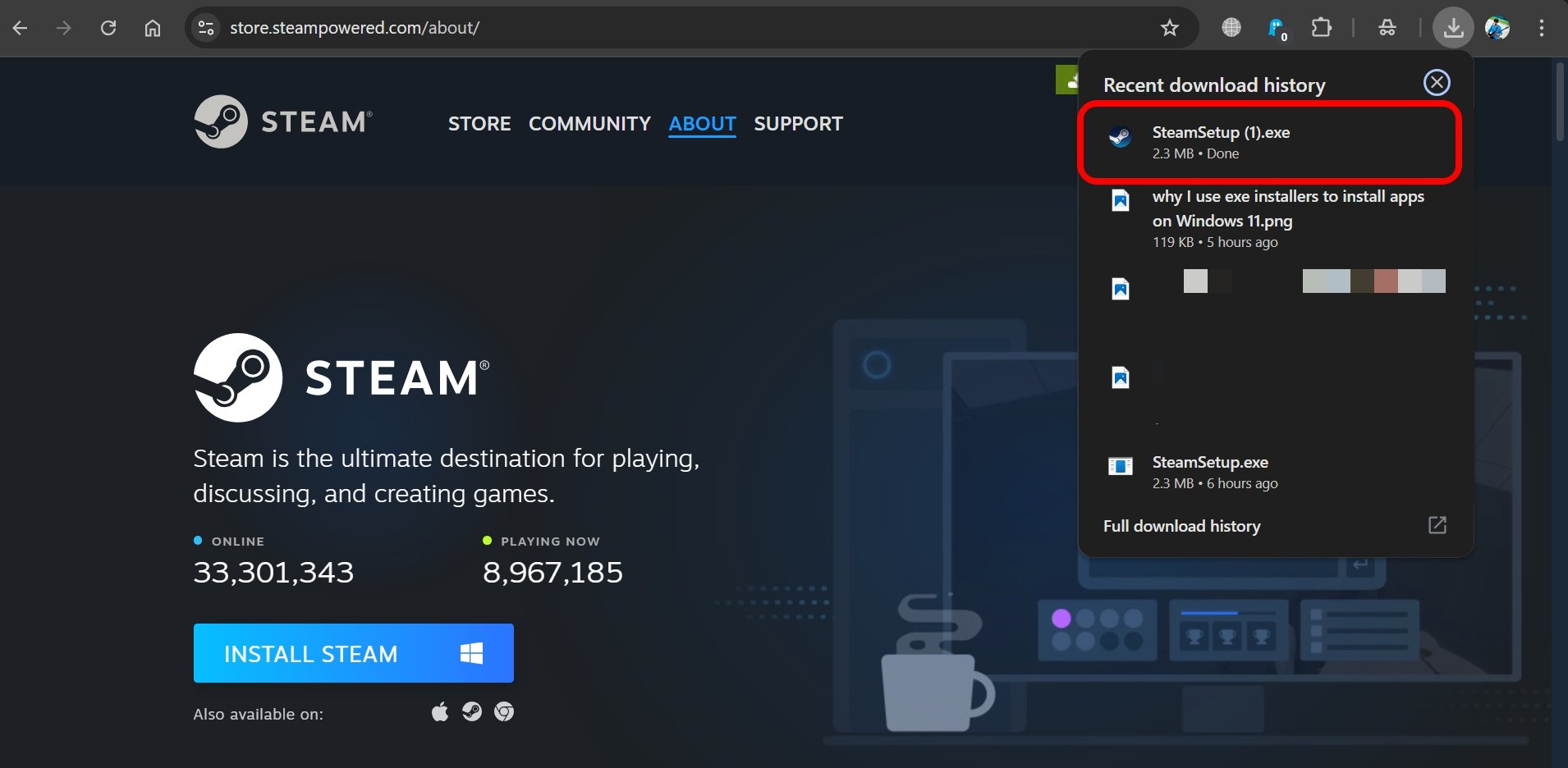
So, there is no worry for device security issues, and you can use Microsoft Defender to scan executable files before launching them. Also, you can easily learn about a site offering EXE installers for trustworthiness through subreddits and security checking portals.
Using EXE installers saves your time and expedites the app installation process. So, it is better than the Microsoft Store.
Updating Apps is not an Issue
Often, it is thought that updating apps can be problematic if not installed from the Microsoft Store. That’s not true at all. Every application has an in-app provision to upgrade to the latest version released by the developers.
You don’t have to go through the hassle of enduring the slow app update issue on the Microsoft Store. You can simply update your app from its settings while using it.
Most apps these days have an auto-update system that checks for the latest version of the app and performs an update when the device is connected to the internet.
So, there you go. Installing or updating an app doesn’t have to rely on the slow or buggy instances of the Microsoft Store. You can even install and update apps using the Winget package manager.
The Scope of Reusability offered by EXE Installers
What I like about EXE installer files is that you can reuse them. Once downloaded, you can use them any time to install the app without the internet.
Let’s say you formatted your PC or got a new one, and want to install a couple of apps whose exe installer files you already have. Simply launch the installer of the respective apps and install them in a matter of a few seconds.
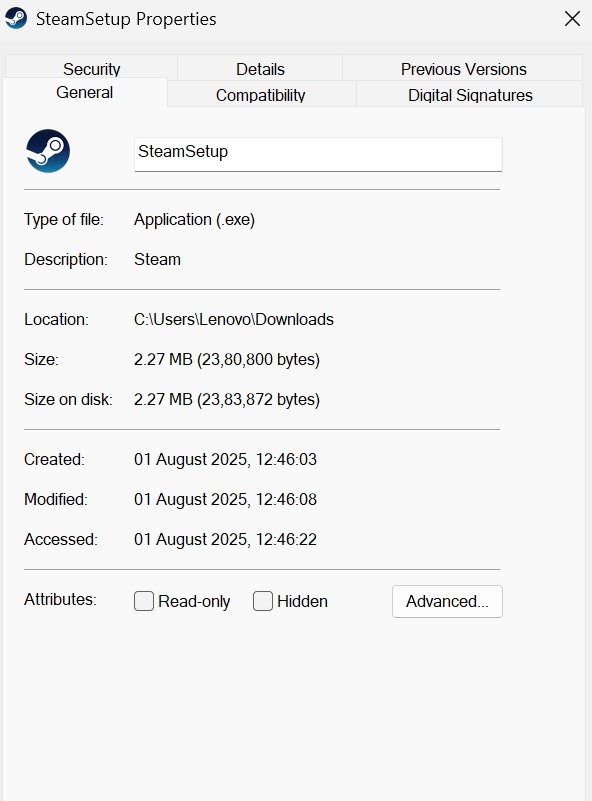
You don’t even have to worry about installing the latest version of apps. Just install the app using the existing exe installer, and it will automatically update to the latest version through in-app upgrade.
EXE installers make Windows App Installation Smoother
Instead of banging your head about slow downloads, app crashes, or freezes on the Microsoft Store, simply switch to EXE installers. Get the installer file from the original developer’s site and install apps quickly. Until Microsoft Store optimizes the download/update experience, EXE installers are the best option to install apps.
If you've any thoughts on I Prefer using EXE Installers on Windows instead of Microsoft Store, then feel free to drop in below comment box. Also, please subscribe to our DigitBin YouTube channel for videos tutorials. Cheers!