I spend most of my waking hours on the internet for work, which I depend on a high-speed network. I pay a significant amount of money every month to my ISP.
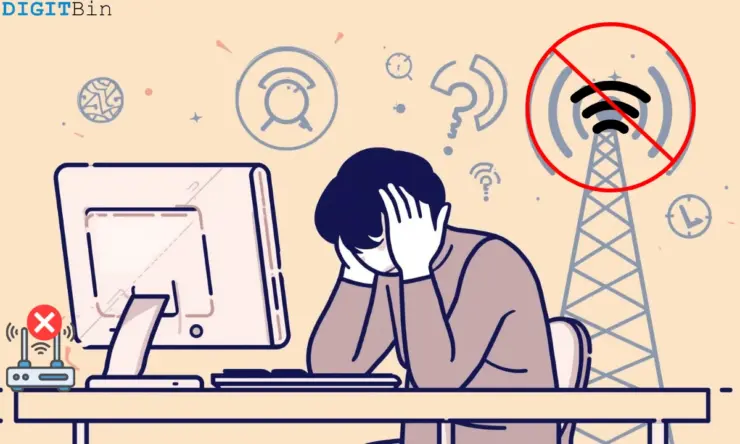
Sometimes, when attending a video call or watching a YouTube video in 4K, the network drops, and everything I’m doing comes to a standstill.
It gets frustrating for me to disconnect and reconnect the network or reboot the router. Surprisingly, as I switch to mobile hotspot, the network resumes, and so does my work that depends on the internet.
Recurring slow network issues led me to doubt my ISP (Internet Service Provider) was intentionally throttling my network speed. I have heard of this before from others, but now I was experiencing it first-hand.
So, I went around analyzing the problem and tried figuring out possible ways to improve the network speed. If you are facing a similar network throttling issue on your device, keep reading to understand this phenomenon and learn how to fix the problem.
What is ISP throttling, and why does it happen?
When the ISP deliberately makes the network speed slower, and there is no technical issue involved, it is called data throttling or, more commonly, ISP throttling.
I questioned why my ISP would do this to me and reduce the network speed when I’m paying for my connection and have no arrears.
From what I found, ISPs commonly throttle the data to tackle the network congestion issue.
Normally, during evenings and weekends, the number of internet users are more, which is referred to as the peak usage hours. So, ISP reduces the network bandwidth allocation to evenly distribute it for everyone who is subscribed to their network plan.
A limited data quota against a specific plan is the second major reason for network throttling. Let’s assume I’m using a network plan that allocates me a daily usage of 10 GB of high-speed internet.
On the same day, if I exceed this quota, my network speed will be capped until I renew the plan.
Sometimes, when continuously streaming in 4K, downloading torrents, or grabbing large files from the web, I have seen network speed suddenly drop right from 10 Mbps.
I have often experienced a phenomenon with two prominent ISPs I use.
To push any of their new or expensive network plans, the network provider intentionally slows down my existing plan even though my data quota is not finished.
Also, I have noticed that whenever I’m close to the due date of renewing my existing plan, the network speed will be terribly sluggish. It is probably done to push me to renew the plan in advance or switch to an expensive plan.
Now, you might think of this as illegal, but when using the services of a business, you agree to abide by their Terms of Service.
So, if they make such changes in their service, legally you might not hold them accountable as you have agreed upon their ToS, which is subject to change at any time.
It’s hard to point a finger at the ISP, for they may cite a technical glitch or peak hour usage to validate the slow network speed issue.
The signs of ISP throttling I have noticed
I noticed some patterns in my daily internet usage, leading me to understand ISP throttling could be an issue for how slow my network has become out of nowhere.
There was a constant inconsistency in network speed at a certain time of day. The network speed is absolutely fine at night and even in the day.
However, I have noticed that starting from evening till a little before midnight, the network would drop sharply. YouTube is set to stream videos in the highest picture quality, but it streams videos in 360p.
The file download speed would be slower than that of a turtle. The same becomes the fate of upload speeds. If I have to upload a video on Instagram, it will take ages if I have adjusted the Instagram settings to upload media at the highest quality.
Sometimes, basic webpages would load instantly, but a specific site takes forever to load completely, even though I have optimized the browser settings.
I even remember once having my payment get stuck at the merchant gateway while booking a flight due to a slow network.
Video calls on Google Meet getting abruptly grainy, even with my daily network quota available, is another sign that I blame the ISP for throttling my network bandwidth when other apps and sites are loading just fine.
I tested whether my ISP is actually throttling the network
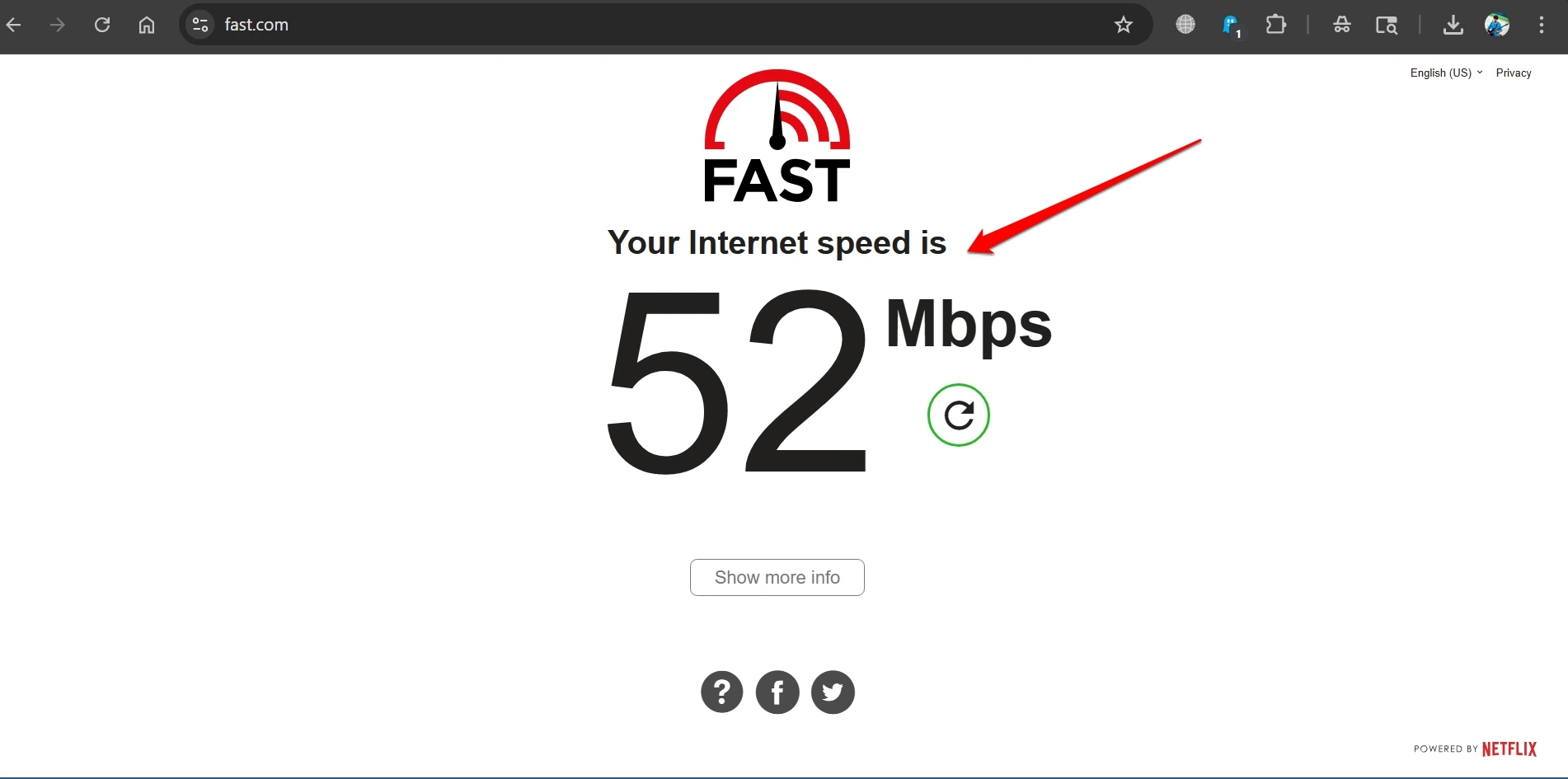
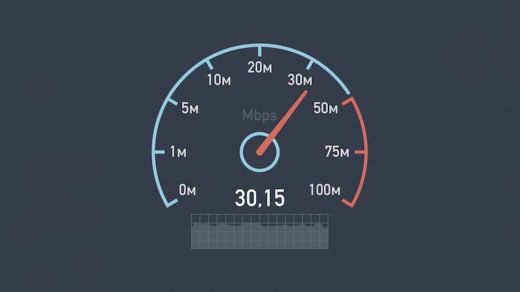
I just could not sit around suspecting my ISP did me a bad by dropping the network speed. I took things into my hands and ran the network speed test.
To run a network speed test,
- Go to fast.com
- Run a speed test and note down the upload and download speeds.
- Next, launch the VPN and repeat the speed test.
Observe if there is a significant difference in the network speed when using VPN. That might be due to the ISP throttling the network.
If you observe the network speed diminishes at a certain time in the day, run the test around the same time.
Comparing network speeds across different times of the day
I ran the network speed tests at different points in time on the same day. I observed if the network speed goes down consistently at a specific time.
This drop usually occurs during the peak hours, and the issue will “magically” get solved during the off-peak timings.
You can also take screenshots of your tests to complain to the ISP about throttling.
I checked for blocked ports
I sometimes play online games in my leisure hours on the PC. I doubted if ISP is blocking any of the ports used to facilitate the network.
I used portchecker.co and found out that the ISP has only blocked port 80, which is pretty common on residential networks to stop unsolicited incoming connections.
Apart from that, no other ports were blocked. So, it was evident that the ISP was throttling the network during the peak hours.
How did I fix the ISP throttling issue?
Once I confirmed the throttling issue, I pretty much knew how to override the problem.
I started using a VPN
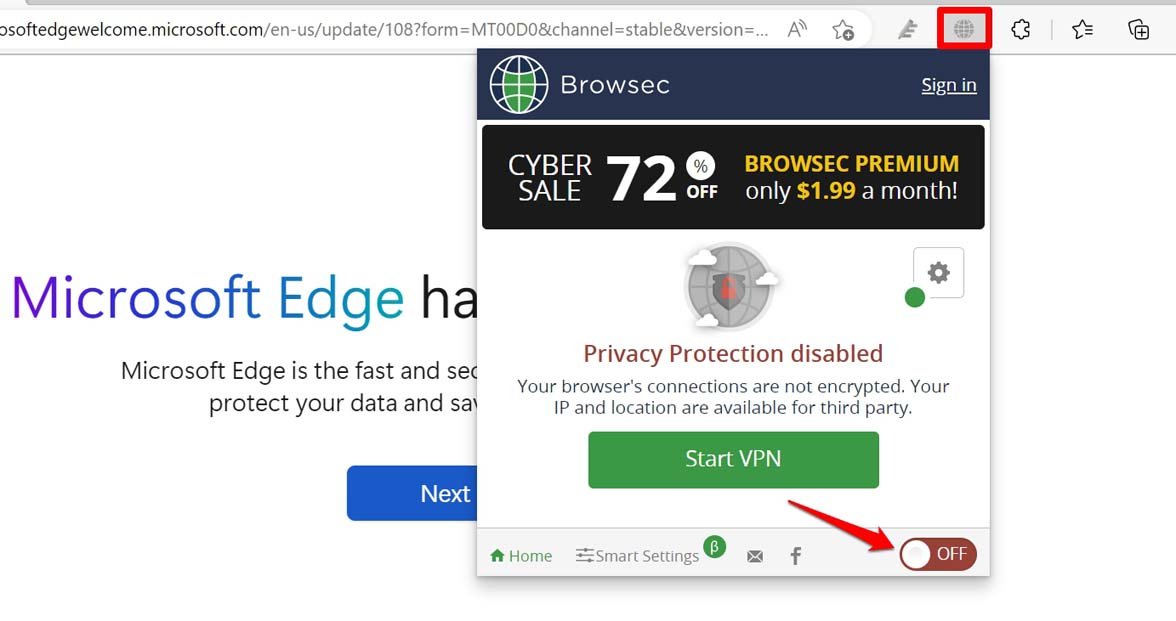
I used a VPN to enhance the network speed, and it worked. I won’t name any particular VPN. Just make sure the extension is available on the Chrome Web Store or is sourced from its official website.
I regularly use a VPN for downloading torrent files, and it works all the time. If you are facing the network throttling, give VPN a shot.
A VPN reroutes the network through the server of the location you have set. If the said network has low latency, you will browse the web with amazing network speed.
When the ISP enforces activity-specific network throttling, a VPN is useful to mask the traffic and re-route it to the VPN server. Your ISP won’t recognize your web activity and, as a result, won’t throttle the network.
Upgrading to an unlimited network plan
I previously used to pay for a capped network that would hit the limit around the evening, and my network speed would drop sharply.
So, I stepped up to a better plan that offers more data in my daily quota, lasting me through the day without the network speed getting capped.
Schedule network usage during off-peak hours
I try using the internet in the off-peak hours, such as late night or early mornings, as the network speed would be faster, and usually, there would be fewer users, so I can have more bandwidth for your use case.
Switch to a fiber connection
A fiber network is far swifter when it comes to network speed. It is faster than the shared broadband connection.
This connection will be dedicated to my usage and won’t have shared bandwidth. It will be quite costly, though your ISP may offer discounts if opting for quarterly or half-yearly plans.
Change to another ISP
Even after trying various troubleshooting tips or complaining formally to the ISP, when I continued seeing a massive drop in network speed consistently affecting my usage, I switched to another reliable ISP.
I asked my friends living in the same locality to suggest ISPs that don’t throttle the network and provide smooth network performance as per the price I’d pay.
I have switched several ISPs in my life because I believe that, as a customer paying on time for a network, it is my right to use my allotted quota at the speed the ISP claims without any disruption except for rare technical issues.
Have control over the network you pay for
Throttling is legal. As a user, I have agreed to the Terms of Use of the ISP when purchasing their plans, and generally, I cannot question a business when there is no way to prove your point that the ISP is causing the throttling.
Also, network providers do not disclose or accept this practice. What I used to think was an issue with the router or network cables turns out to be the ISP inducing it to push its network plans to me, or manage the network during peak hours.
As I have said before, after knowing about network throttling by ISPs, I could not do anything to prevent it directly, but found ways to circumvent the network speed clampdown.
Using VPN has been the sole effective way for me to enhance the network speed when using the internet, while upgrading to a plan with an uncapped network seems the next best solution.
If you've any thoughts on My Internet slowed down and I found out ISP throttling was the issue, then feel free to drop in below comment box. Also, please subscribe to our DigitBin YouTube channel for videos tutorials. Cheers!