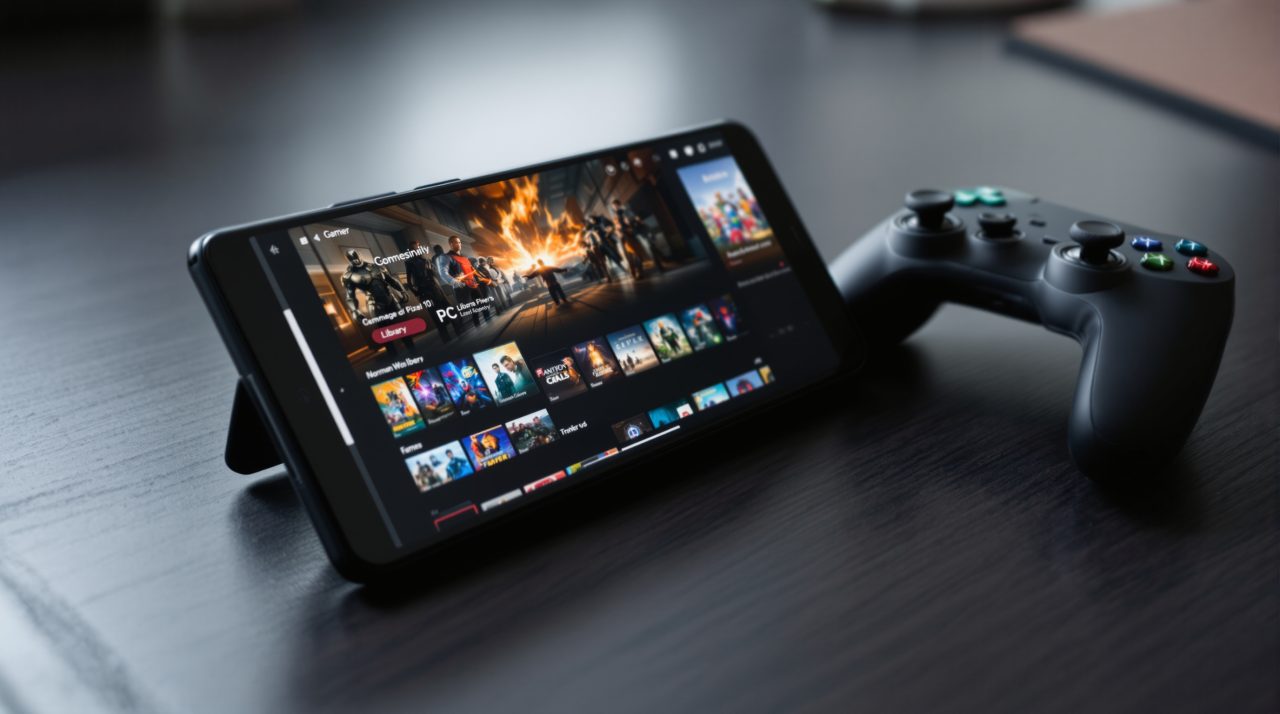
GameNative published its 1.4.1 preview on GitHub on November 19, 2026, and the release notes say the updated graphics wrapper now works correctly on almost all Mali, PowerVR and Exynos devices. That covers many of the phones that run PC games through the app without a Snapdragon chip, including recent Pixels and Galaxy models.
The same build adds Optimize, a per-game tuning tool tied to an account, along with shared shader caching, Ubisoft Connect support for Steam games and full controller navigation. It is a prerelease, so the rough edges are part of the deal.
What GameNative 1.4.1 changes on Pixel and Galaxy phones
The wrapper update ships through pull request 2262, which the maintainer opened on October 27 and merged on November 6. It moves texture conversion inside the wrapper: BC1 to BC7 textures are converted to ASTC at the same memory size, with a disk cache that later launches read from.
That matters because the earlier wrapper drew BC4, BC6H and BC7 textures wrongly on the Galaxy S24 and Pixel 10 in the project’s BrowserStack runs. The new one also lets DXVK 2.x and vkd3d run on Vulkan 1.1 Mali GPUs, the r26 to r36 generation.
| Device | GPU | Result | Warm texture load (shipped wrapper) |
|---|---|---|---|
| Pixel 9 | G715 | 89 pass, 0 fail | 17 to 23 ms (14 to 37 ms) |
| Galaxy A35 | G68 | 89 pass, 0 fail | 12 to 23 ms (20 to 27 ms) |
| Pixel 10 | PowerVR | 89 pass, 0 fail | 4 to 16 ms (8 to 19 ms) |
| Galaxy S24 | Xclipse 940 | All load rows pass | 3 to 12 ms (2 to 104 ms) |
| Pixel 7 | G710 | All load rows pass | 10 to 24 ms (15 to 64 ms) |
The first load of each texture is slower than before, between 37 and 541 ms, because it is converted once. The texture cache is on by default only for new containers, so a game set up months ago keeps the value it already saved.

Optimize tunes one game at a time, and it reports back to a server
Optimize is built to make a single game run better on the device it is played on, and every change it makes can be reversed. According to pull request 2363, the goal chooser offers Balanced, Quality, Performance, Power and heat, Potato and Off, with Balanced always the suggested pick.
A light sampler records frame times, CPU and GPU load, clocks, temperatures and memory pressure once per second while you play. The app sends those session records, the game’s store identity and the installed build to a server, and the server decides what to try next.
The Optimize dialog also shows a plan line: games used, a monthly reset date, unlimited, or free to try with an account. Signed-out users and anyone who has used up their free or monthly games see an upsell, and the pull request lists no prices. A tuning tool that meters games and phones home is a different thing from the offline settings screen most players expect, so check that plan line before pointing it at a favorite title.
The rest of the 1.4.1 preview
Ubisoft Connect now works for Steam games, though it needs the Steam client in headless mode, and cloud save uploads are untested and turned off by default. Shared shader and FEX caching is meant to cut stutter and speed up boot, and local cloud save backups can be restored from inside the app.
The whole interface can be navigated by controller, and a native HTML5 WebView runtime is meant to help Chromium-based games. Fixes are listed for GTA IV, Hogwarts Legacy, Slay the Spire and Transistor, which need the latest Proton. If this kind of PC-on-phone setup is new to you, the state of GTA 6 on Android shows how far the hardest games still are from working.
Which build to install
The preview comes as a standard APK and a separate XR build for Quest headsets. The previous stable release, v1.4.0, went out on November 5, 2026, and the release notes give no date for a stable 1.4.1. Anyone who relies on GameNative for daily play may prefer to wait, since the wrapper change touches how every game renders on these GPUs.