Signal blocks Siri AI from reading its chats on iOS 27 by preventing screenshots inside the app, according to a post from Signal’s Meredith Whittaker dated November 20, 2026. Android gets a narrower fix, and Mac users get no block at all. For anyone who leaves Siri AI switched on, that uneven coverage decides whether a Signal conversation stays out of the assistant’s reach.
How Signal blocks Siri AI on iPhone
Signal says OS assistants work by scanning what is on the screen, and that anything captured this way ends up in whatever local database or remote server the assistant uses. The post calls that “an existential threat to Signal,” since it undermines Signal’s ability to guarantee privacy independently of the OS.
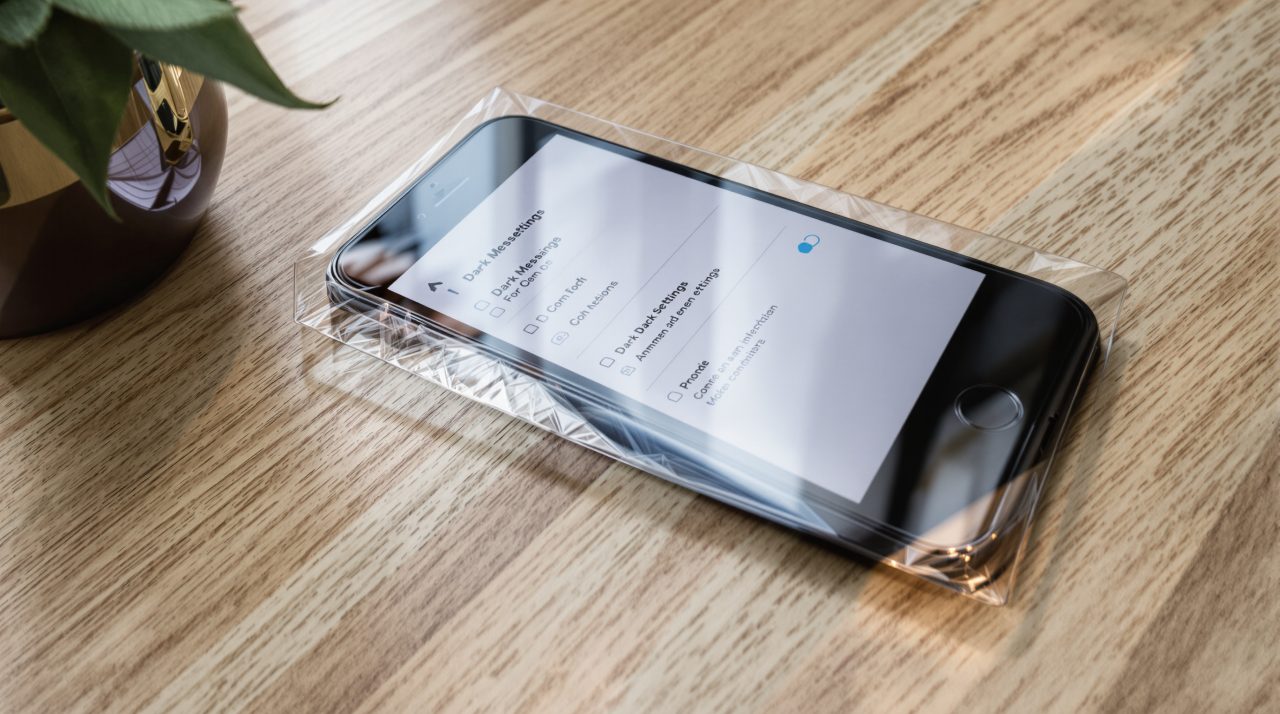
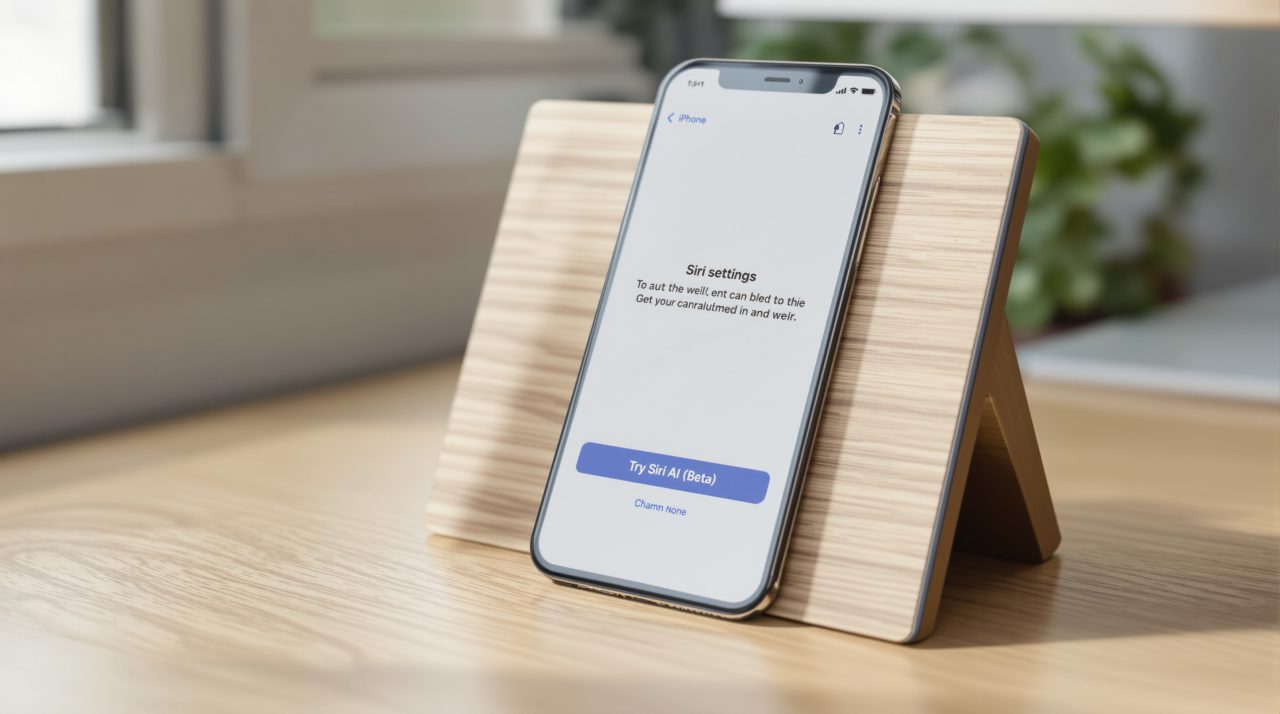
A screenshot in the post shows a new “Block Siri AI” setting in Signal’s iOS settings, switched on. People who want to take screenshots can turn the protection off, but Signal warns that doing so can expose their own and their contacts’ messages to these agents. The post names no Signal version for the setting.
Apple already offers a separate control. In iOS 27.2, Settings, then Siri, then Excluded Apps lets people add apps that Siri AI cannot read, and the Electronic Frontier Foundation’s October guide to that setting says an excluded Signal stops Siri AI from answering questions about the app, including through onscreen awareness. Apple describes that feature as letting Siri AI answer questions or take actions related to the content on a user’s screen. Signal’s change sits inside the app, so it adds a second layer next to Apple’s list.
Android gets detection, not a blanket block
On Android, Signal says it cannot reliably tell when a screenshot was attempted on many vendors’ versions of the system. It instead watches for an AI assistant trying to read the screen and, when it sees one, automatically turns on the “Screen security” setting in Signal for Android. The post points to Google’s Gemini Intelligence as one of the integrations behind the move.
Signal concedes the approach will not cover every Android device. A phone where detection fails gets no protection from this change.
The company used the same screenshot trick last year, when it blocked Microsoft’s Recall from capturing Signal messages on Windows 11 by default.
macOS 27 has no block, only a settings workaround
Signal says it cannot reliably block screenshots on macOS. The protections it found there work against continuous screen capture and for streaming or DRM-protected media, not against screenshots, which is how most agentic systems read an app. Its only advice for macOS 27 users is to add Signal to Excluded Apps in System Settings, under Siri.
That leaves two people in one Signal conversation with different protection depending on whether each is on an iPhone or a Mac.
Signal also calls its own fix incomplete, because screenshot blocking does not stop an agent from retrieving content already stored on the device through the filesystem. It is asking Apple, Google and Microsoft for a documented way for developers to opt an app out of AI data access, plus better documentation of how these agents work. The post adds that Signal is “cautiously optimistic” Google and Apple are engaging and hopes to share more soon.