Windows 11 update KB5132057 fixes a Windows 11 passkey error that showed “Something went wrong” on Android phones during cross-device sign-in, according to Microsoft’s release notes. It is a preview release dated November 19, 2026, so it sits under Optional updates in Windows Update instead of installing on its own.
What the Windows 11 passkey error fix covers
The note applies to Windows 11 versions 26H2 and 25H2, builds 26300.10075 and 26200.10075. Microsoft files it under the Passkeys heading in the normal rollout section, which its page describes as the broad release to all eligible devices at the same time.
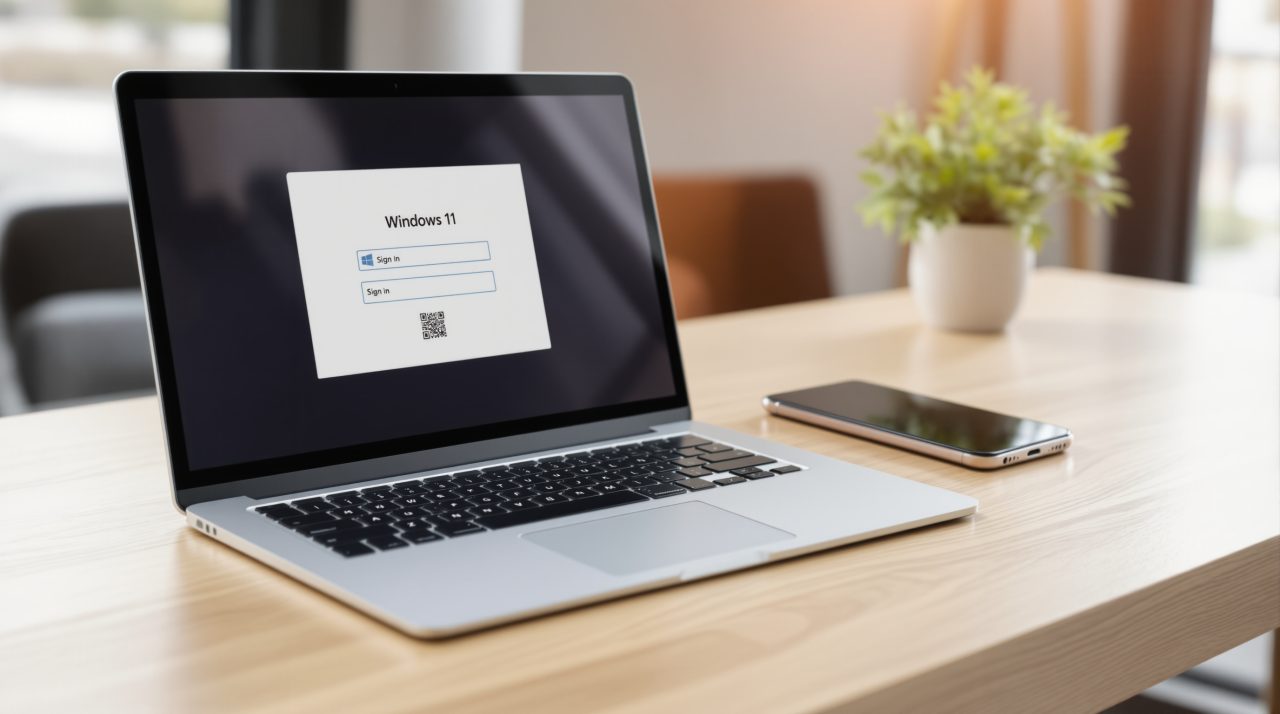
The wording is a single sentence: the update fixes an issue that caused cross-device passkey authentication on Android devices to display a “Something went wrong” error. Cross-device sign-in is the flow where the passkey lives on your phone and approves a sign-in on your PC, which is also how most people first meet passkeys on Windows 11.
To get it, open Start, then Settings, Windows Update, Advanced options, and Optional updates, where Microsoft says the download link appears under Optional updates available. Enterprise admins can instead pull the standalone package from the Microsoft Update Catalog, and the page says the changes will reach Windows Update for Business in the next security update.
Microsoft’s note does not name the apps or browsers involved, and it does not say whether sign-in worked behind the error. If you saw that message on your phone, check whether the optional update is waiting for you before assuming your passkey is broken.
Other sign-in changes in the same update
The passkey fix is one of several sign-in items in the package. Under the gradual rollout, Windows Hello facial recognition can temporarily brighten the screen in a dim room, and the switch sits in Settings, Accounts, Sign-in options. DigitBin’s Beta channel report from November 8 listed the same Hello option in build 26320.9876, released November 6, so this is that Beta feature reaching the public preview.
Security key sign-in also changes. Microsoft says the “Other user” icon is removed from the PIN entry screen, and devices with display-based NFC readers get an on-screen indicator that shows where to tap the key.
For work PCs, web sign-in now supports Microsoft Entra hybrid joined devices as well as Entra joined ones. At the lock screen it accepts a FIDO2 security key, a passkey on your phone, or a Temporary Access Pass.
The normal rollout section carries a few other fixes alongside the passkey one. Microsoft says Miracast connections no longer default to a lower resolution on certain wireless display receivers, and the “Someone else is using this PC” warning no longer appears on restart or shutdown when no other user is signed in. It also lists a fix for Sage 50 Accounting closing unexpectedly when options are selected.
The same notes also describe a redesigned Windows Search and a File Explorer change, where search from This PC is now indexer-based. Both appear under the gradual rollout, and Microsoft says the new Search is initially available in English.
One scheduling detail matters here. Microsoft says there will be no December 2026 non-security preview update, so this November release is the last optional one of the year.