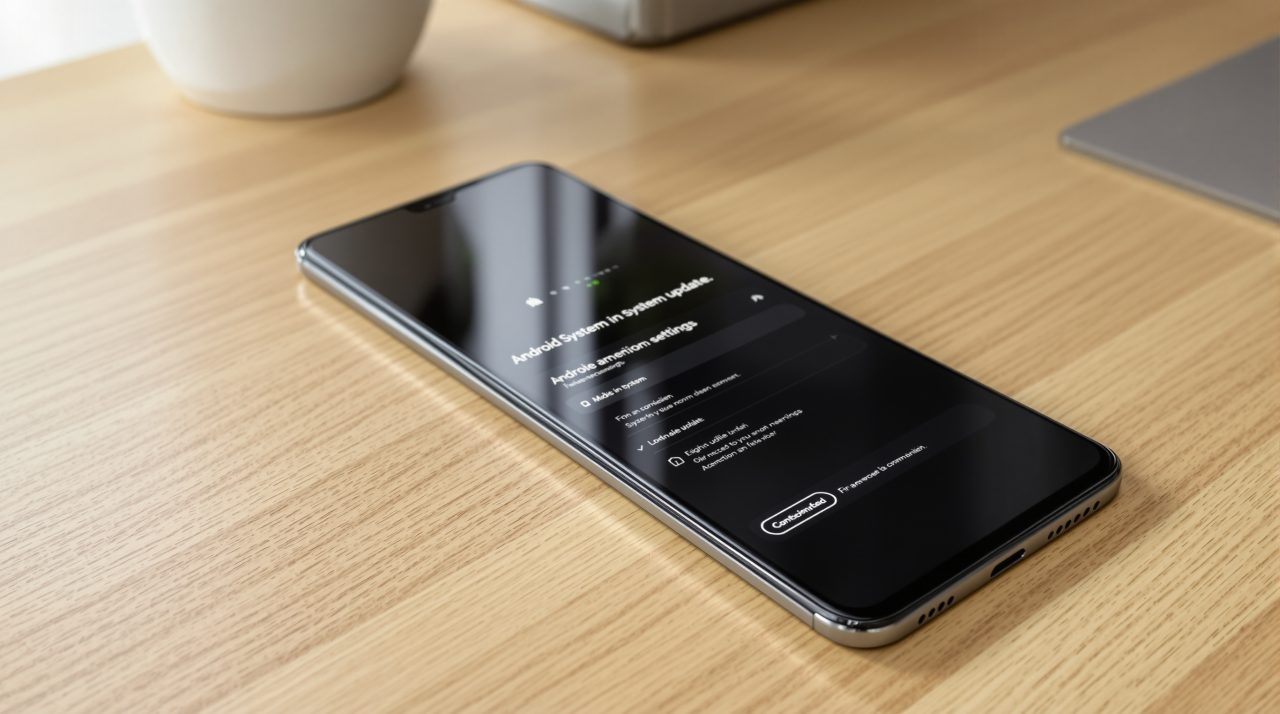
Google released Android 17 QPR3 Beta 3 on October 29, 2026, and its release notes list 26 fixed issues for supported Pixel phones. Google lists no new features, but the fixes touch things you notice: a foldable’s inner screen staying black after you open it, the wrong wallpaper flashing on the lock screen, and Wi-Fi that will not connect on a work network.
If you already run the beta, the update should arrive by OTA. If you do not, nothing in this build is a reason to enroll.
TL;DR: Android 17 QPR3 Beta 3 is a repair release. Google’s notes list 26 fixes and no new features, with the most visible ones covering black inner displays on foldables, lock screen glitches and PEAP Wi-Fi failures. It supports the Pixel 6a through the Pixel 11 series, and going back to a public build wipes the phone, so waiting is the sensible move for a daily driver.
What Android 17 QPR3 Beta 3 actually fixes
Google’s release notes list 26 top fixed issues and no known issues for this build. The biggest cluster is display and lock screen behavior: the inner display staying black when you unfold the device, the display randomly turning off and on, and the home wallpaper showing on the lock screen when you wake the phone from an open app.
System UI takes most of the rest. Recents flickers after a quick app switch followed by a home gesture, grouped notification icons and titles look grayed out, bubbles get stuck in a miniaturized state at the bottom of the screen, and the Mobile Data Quick Settings icon renders at the wrong size.
A few fixes matter beyond the interface. Apps crash when BluetoothLeScanner.stopScan() is called with a null callback, WPA-Enterprise Wi-Fi connections fail when authenticating with PEAP, and the device crashes intermittently on the lock screen or shortly after startup. Anyone who has watched a Pixel restart while sitting on the lock screen will know which of those they care about most.
Whether you can get any of it depends on which Pixel you carry.
Which Pixels get Android 17 QPR3 Beta 3
Google’s download page lists the Pixel 6a, 7, 7 Pro, 7a, Tablet, Fold, 8, 8 Pro, 8a, 9, 9 Pro, 9 Pro XL, 9 Pro Fold, 9a, 10, 10 Pro, 10 Pro XL, 10 Pro Fold, 10a, 11, 11 Pro, 11 Pro XL and 11 Pro Fold.
Pixel 11 series phones get build DP11.261016.004, and every other supported model gets DP11.261016.003. Both carry the 2026-10-05 security patch level and Google Play services 26.36.33.
| Release | Date | Fixes listed | Build |
|---|---|---|---|
| QPR3 Beta 2 | October 20, 2026 | 21 | DP11.261002.005 |
| QPR3 Beta 3, Pixel 11 series | October 29, 2026 | 26 | DP11.261016.004 |
| QPR3 Beta 3, other supported Pixels | October 29, 2026 | 26 | DP11.261016.003 |
Installing a beta build automatically enrolls the phone in the Android Beta for Pixel program, and enrolled phones keep receiving OTA updates, including QPRs, until you unenroll. That is the detail people skip when they flash a beta for a single fix.
What the release notes leave out
Google’s notes cover fixes only, and Beta 3 arrives nine days after Beta 2, which shipped on October 20 with 21 fixes and build DP11.261002.005. Our look at the QPR3 Beta 2 fixes covers the reboot and battery items from that release.
Three betas in four weeks, each mostly bug fixes, suggests QPR3 is being tuned rather than expanded. The QPR3 Beta 1 build on October 2 followed the same pattern.
9to5Google’s hands-on roundup of the build lists lockscreen blur, a camera Quick Settings tile and app lock as showing up in Beta 3. Google’s notes mention none of them, so treat them as early hands-on findings until Google documents them.
None of that changes the practical question of whether to install it.
Should you flash it or wait for stable
Going back from a preview build means a full reset that erases your data. Google’s download page points to the Android Flash Tool’s back-to-public option and tells you to back up first.
The same page strongly recommends unlocking the bootloader before applying an OTA image manually, and unlocking wipes the phone as well.
If this Pixel is your only phone, waiting for the stable QPR3 release is the calmer choice. If you carry a spare and suspect the black inner display or the PEAP Wi-Fi failure has been hitting you, Beta 3 is the version to try.