

uBlock Origin Stopped Working on Chrome – Here’s What to Use Now
If uBlock Origin recently stopped working in Chrome, or showed up as “disabled” or “no longer supported” in your extensions list, you did not do…
If uBlock Origin recently stopped working in Chrome, or showed up as “disabled” or “no longer supported” in your extensions list, you did not do…
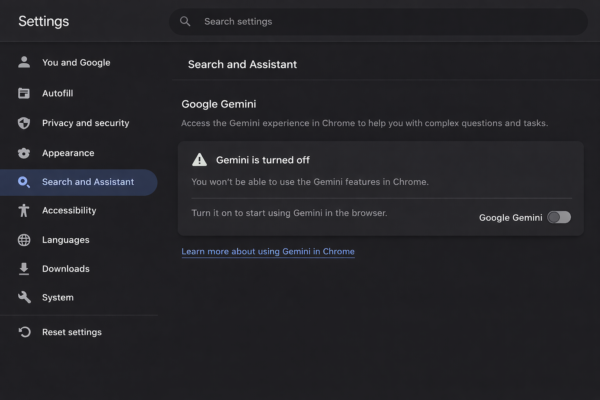
Gemini started appearing every time I highlighted text in Chrome. A small sparkle icon, a floating side panel, a quiet nudge to ask something. Nothing…
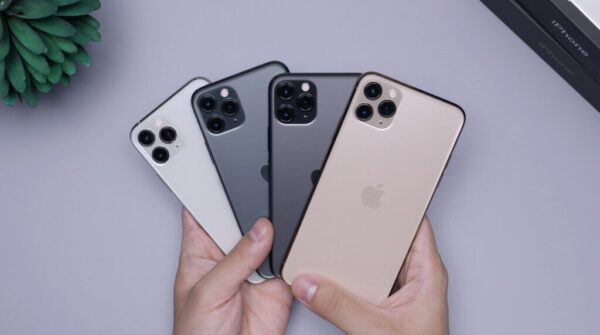
I have always believed that you don’t need to buy the latest iPhone to enjoy the real Apple experience. Over the years, I’ve owned a…
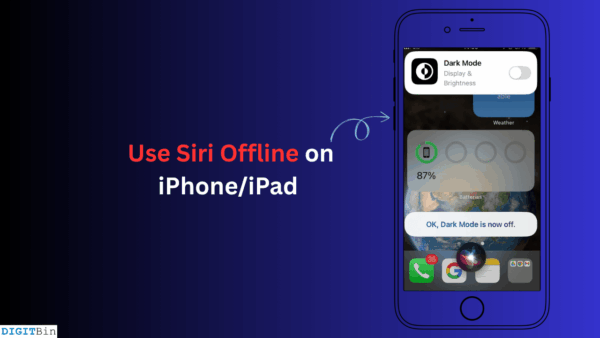
When you shoot a voice query at Apple’s virtual assistant Siri, your iPhone/iPad needs to be connected to a WiFi, allowing Siri to fetch information…
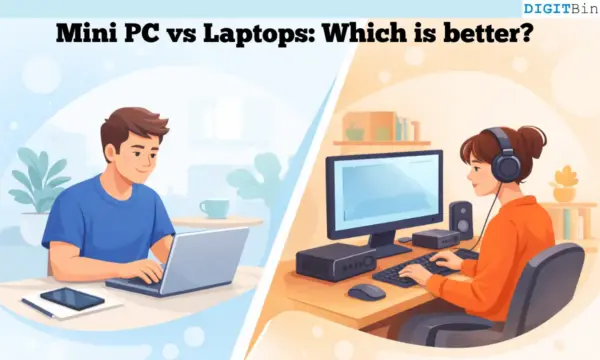
Are you planning on buying a new computer? It is common to face confusion about whether to buy a Mini PC or a laptop. Purchasing…

If you have edited even one video in KineMaster, you have seen it. That small “Made with KineMaster” badge sitting in the corner of every…

English is a global language, and it remains the most common bridge for watching movies or TV shows that are not in a language you…
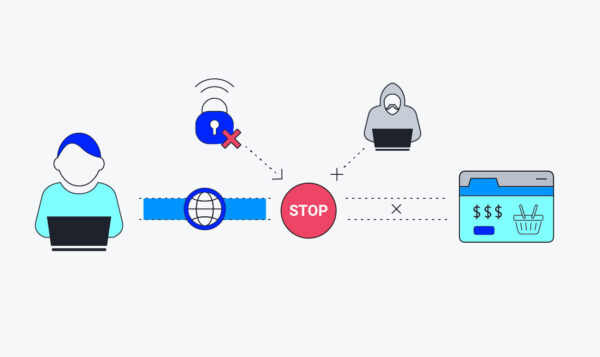
A few days ago, I was working from a cafe, connected to public Wi-Fi, feeling safe because my VPN was turned on. Suddenly, the internet…
Smart TVs have become as mainstream and common as smartphones. The worldwide rise in streaming culture has played a monumental role in making smart TVs…
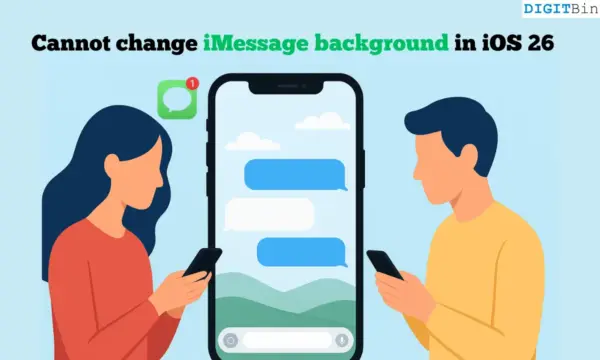
One of the new iOS 26 features allows you to set a background image on the Messages app. You don’t have to view the chats…