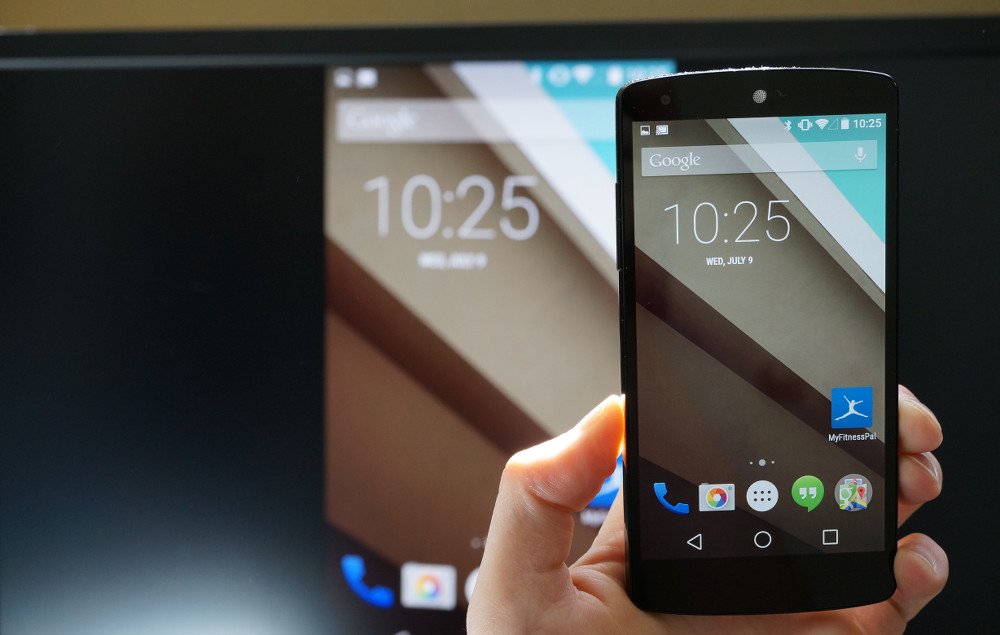
Screen Cast Motorola with Samsung Smart TV
It is always a great experience to watch your favourite movies, TV shows and other media programming on the big screen. So, if you are looking for a guide to Wireless Display, Screen Mirror or Mira Cast your Motorola Moto on Samsung Smart TV through wireless Wi-Fi network then you have come to right place because I have provided a complete step-by-step guide to screencast all the Motorola devices.
Miracast is available on all the Motorola mobiles with Cast option under settings. The devices include Moto C Plus, Moto C, Moto G5 Plus,G5, Moto M, Moto E3, Power, Moto Z Play, Force, Moto Z, Moto G4, Plus, Turbo, Moto X, Play, Force, Style, Moto G4, G3, G etc. (Some devices may not be listed here which may support screen mirror or
Note: All the Motorola smartphones are not listed above and some devices listed above may not support Screencast.
If the device has screen mirror option then only your device is applicable to cast the display on Smart TV. So to check that,
Sometimes the Wireless Display may be present under ‘More’ or ‘Additional Settings’ option of Settings.
Turn on Wi-Fi and open Advanced Option
Open Wi-Fi Direct
Network
Wi-Fi Direct and Screen Mirroring
Connect your device with TV
Click on Cast under Display
Device and SmartTV connecting
Screen Mirrored
Note & Conclusion: I hope the post was helpful. Do comment below for any of the assistance required.
Make sure you connected Wi-Fi direct with Samsung Smart TV.



View Comments
Was wondering if my motog7 plus work?if you have any input thanks
I am using Moto g5 plus and Samsung 55" 6900 series smart TV. When I connect my TV in Wi-Fi Direct on my phone, both places I get the message of connected i.e. with-in Moto Wi-Fi Direct as well as My TV screen. However, when i click on Cast on my Moto, it keep searching the device and don't cast anything to TV. Both my devices are connected to the same Wi-Fi network. I tried multiple times, but this never worked. On the other note, if I cast it from with-in YouTube on my mobile to my TV, it finds the tv successfully and cast as well.