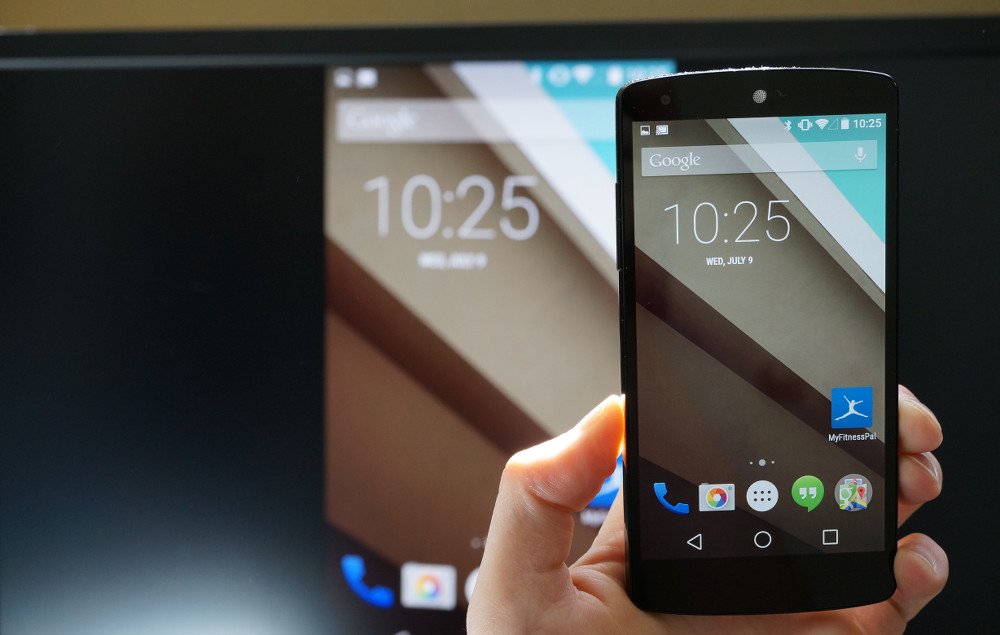
Screen Cast Motorola with Samsung Smart TV
It is always a great experience to watch your favourite movies, TV shows and other media programming on the big screen. So, if you are looking for a guide to Wireless Display, Screen Mirror or Mira Cast your Motorola Moto on Samsung Smart TV through wireless Wi-Fi network then you have come to right place because I have provided a complete step-by-step guide to screencast all the Motorola devices.
Miracast is available on all the Motorola mobiles with Cast option under settings. The devices include Moto C Plus, Moto C, Moto G5 Plus,G5, Moto M, Moto E3, Power, Moto Z Play, Force, Moto Z, Moto G4, Plus, Turbo, Moto X, Play, Force, Style, Moto G4, G3, G etc. (Some devices may not be listed here which may support screen mirror or
Note: All the Motorola smartphones are not listed above and some devices listed above may not support Screencast.
If the device has screen mirror option then only your device is applicable to cast the display on Smart TV. So to check that,
Sometimes the Wireless Display may be present under ‘More’ or ‘Additional Settings’ option of Settings.
Turn on Wi-Fi and open Advanced Option
Open Wi-Fi Direct
Network
Wi-Fi Direct and Screen Mirroring
Connect your device with TV
Click on Cast under Display
Device and SmartTV connecting
Screen Mirrored
Note & Conclusion: I hope the post was helpful. Do comment below for any of the assistance required.
Make sure you connected Wi-Fi direct with Samsung Smart TV.



View Comments
Thank you for the tutorial. Under google play i saw several miracast apps developped by different teams. Can you update the tutorial to say which one you use ? Maybe you can also leave a link to the "official" webpage.
Thank you
All steps work UNTIL trying to connect the phone to the Samsung Smart TV, then it asks for a password. None of the Samsung 'standard' passwords work. A call to Samsung support stated that it is NOT possible to mirror from a phone.
Also, the SmartView application only shows Pictures, Videos and music. It does NOT (or at least the just downloaded version of SmartView) provide for Mirror-ing.
What next?