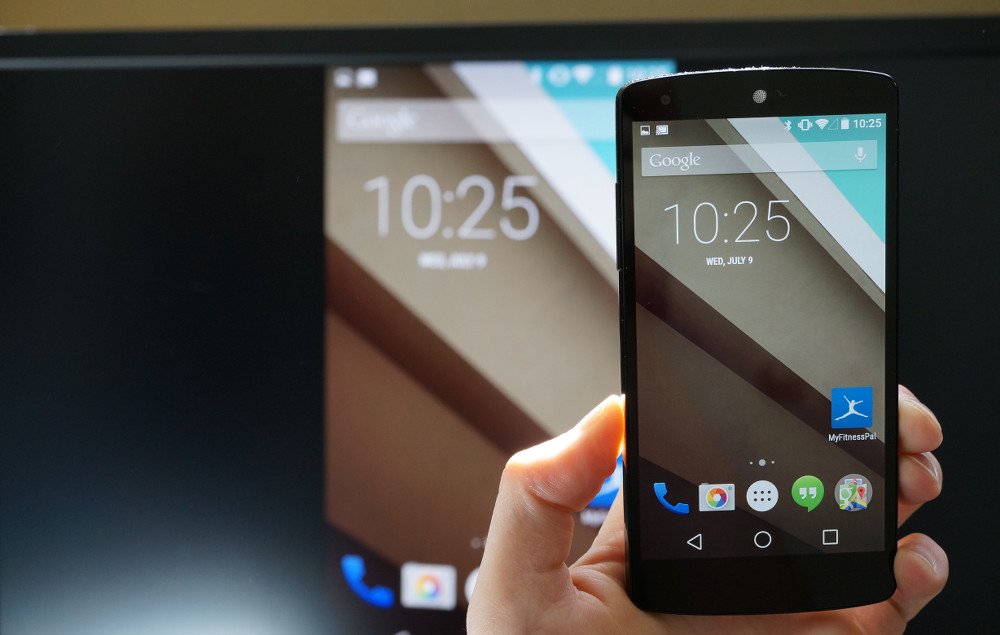
Screen Cast Motorola with Samsung Smart TV
It is always a great experience to watch your favourite movies, TV shows and other media programming on the big screen. So, if you are looking for a guide to Wireless Display, Screen Mirror or Mira Cast your Motorola Moto on Samsung Smart TV through wireless Wi-Fi network then you have come to right place because I have provided a complete step-by-step guide to screencast all the Motorola devices.
Miracast is available on all the Motorola mobiles with Cast option under settings. The devices include Moto C Plus, Moto C, Moto G5 Plus,G5, Moto M, Moto E3, Power, Moto Z Play, Force, Moto Z, Moto G4, Plus, Turbo, Moto X, Play, Force, Style, Moto G4, G3, G etc. (Some devices may not be listed here which may support screen mirror or
Note: All the Motorola smartphones are not listed above and some devices listed above may not support Screencast.
If the device has screen mirror option then only your device is applicable to cast the display on Smart TV. So to check that,
Sometimes the Wireless Display may be present under ‘More’ or ‘Additional Settings’ option of Settings.
Turn on Wi-Fi and open Advanced Option
Open Wi-Fi Direct
Network
Wi-Fi Direct and Screen Mirroring
Connect your device with TV
Click on Cast under Display
Device and SmartTV connecting
Screen Mirrored
Note & Conclusion: I hope the post was helpful. Do comment below for any of the assistance required.
Make sure you connected Wi-Fi direct with Samsung Smart TV.



View Comments
Nikhil,
Quick back story. I have a brand new Moto Z2 Play (2017) (came with 7.1.1 and is “up-to-date”) unlocked, from motorola.com. My previous device was a Moto X Pure (2015), and it did screen mirroring easily on my samsung UN55JU6500. Eventually it was time to get a new phone and I assumed this feature would be included on my new 2017 moto Z2 Play device. But I think that’s not the case.
After struggling with it for a while I looked it up and found several posts saying the new Moto will only work with Chromecast. I never wanted big brother data mining what I watch, so I’ve steered clear of Chromecast, besides its just another thing to buy/configure/troubleshoot, etc. So I called Motorola.
Motorola rep said it will indeed only work with Chrome case but they said its Android/Google’s fault because Android now doesn’t have that feature.
Then I found your post and gave it a try. I got all the way up thru step 11, but nothing every shows up under Cast (step 12). There is no 3 dot icon there either. So no Holla for me yet. Any other ideas??
Steve
Hi, I brought new Moto M and i tried this option. Till step 11th it is fine, but in 12th step, my Moto M is displaying as "No Devices found". Is there any other option, pls help
Moto should have detected the TV. Maybe clearing the cache would help you :)