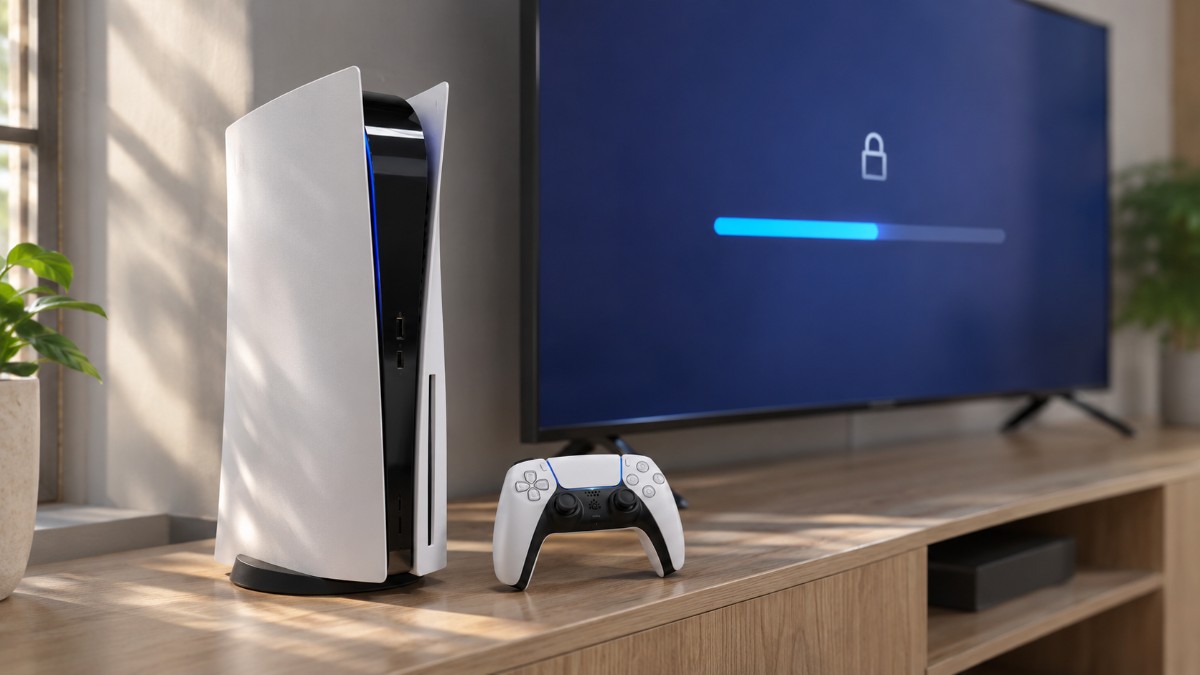
My GTA 6 install failed twice before it finished, and neither failure looked like one. The first time the download simply sat there. The second time it finished and the game still showed a padlock.
GTA 6 PS5 download problems come in those shapes, and Rockstar‘s support page only points PlayStation owners to PlayStation‘s guide for downloaded games. This is that guide applied to GTA 6, in the order I actually needed it.
TL;DR: Most GTA 6 download trouble on PS5 comes down to storage, a stalled connection or a license that hasn’t synced. Check space against the 212 GB ceiling first, then use Pause and Resume, then restore licenses. Safe Mode with Clear Cache and Rebuild Database is the last step before contacting PlayStation. A locked game before midnight local time on November 19 is normal.
GTA 6 PS5 download problems that start with storage
GTA 6 needs up to 212 GB of free space on PS5, so check storage before anything else. Rockstar lists that as a ceiling, and the exact number depends on your device.
I checked storage last, which was the wrong order. Settings, then Storage, showed less free space than I’d assumed, and that was probably why the first attempt never moved.
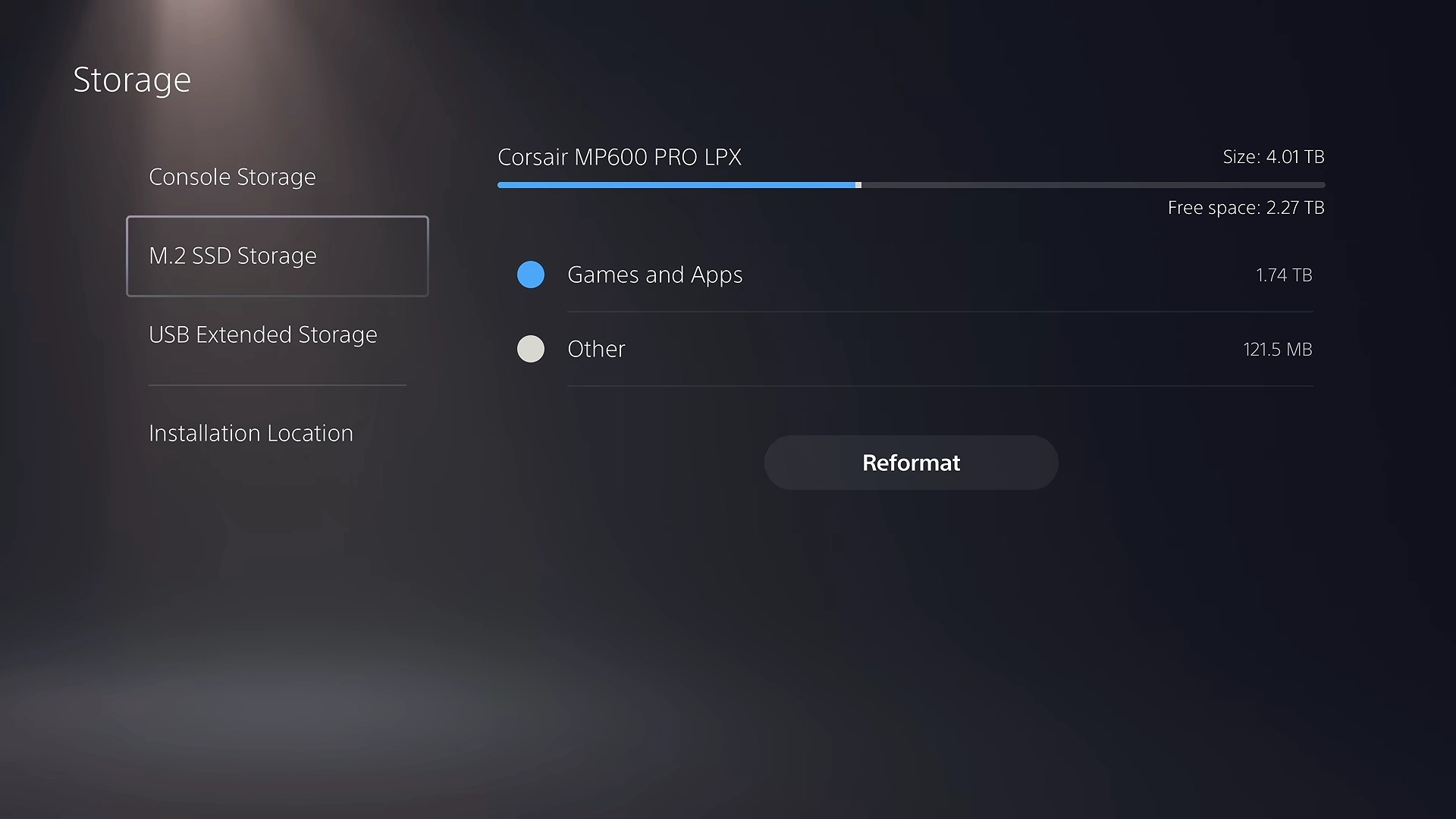
Read the free space figure on this screen, not the total capacity. A big drive tells you nothing until you compare what is left against the 212 GB the install wants.
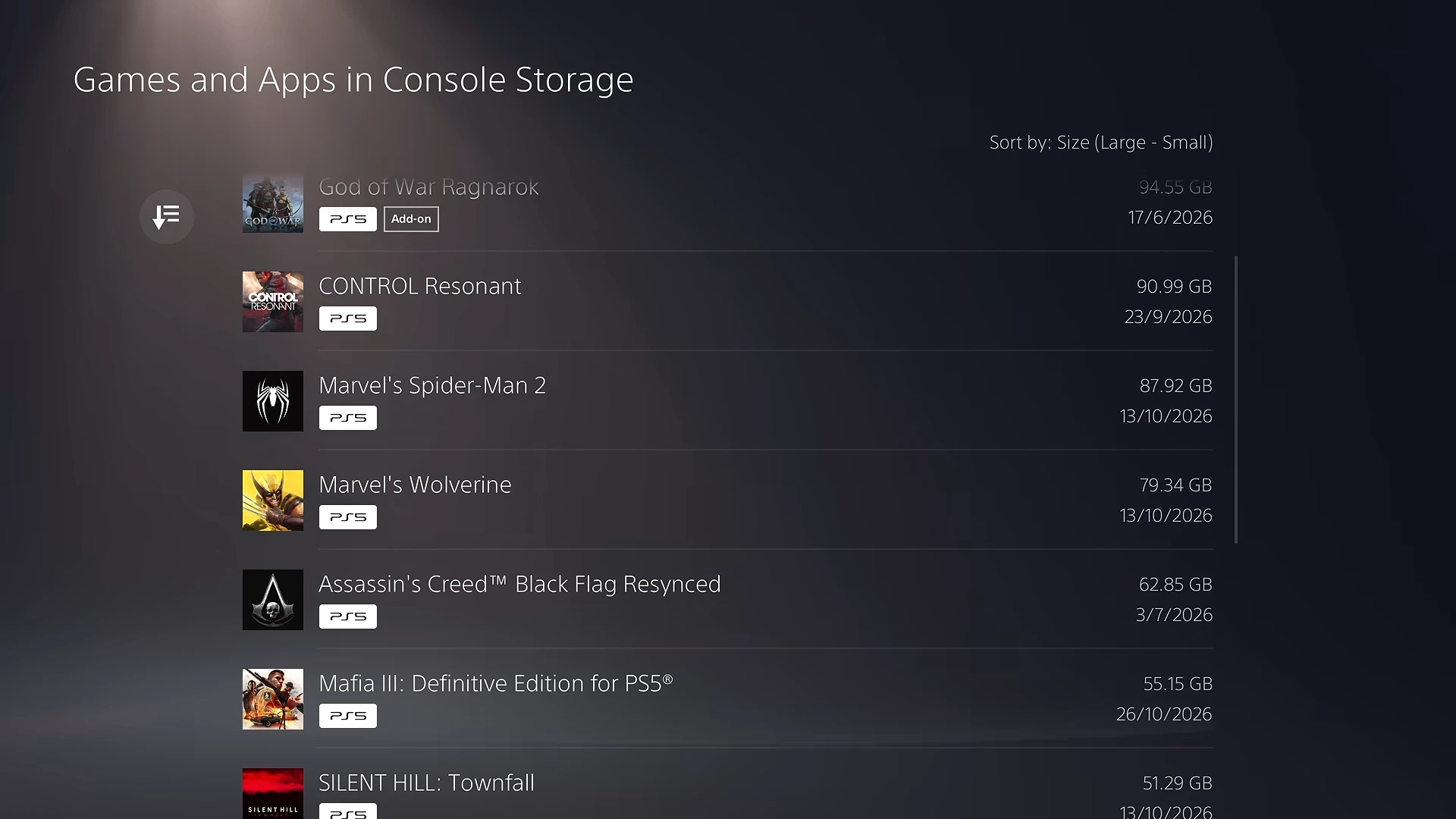
If the free space falls short, sort by size so the heaviest installs sit at the top. Removing one or two large games frees far more room than clearing a dozen small ones.
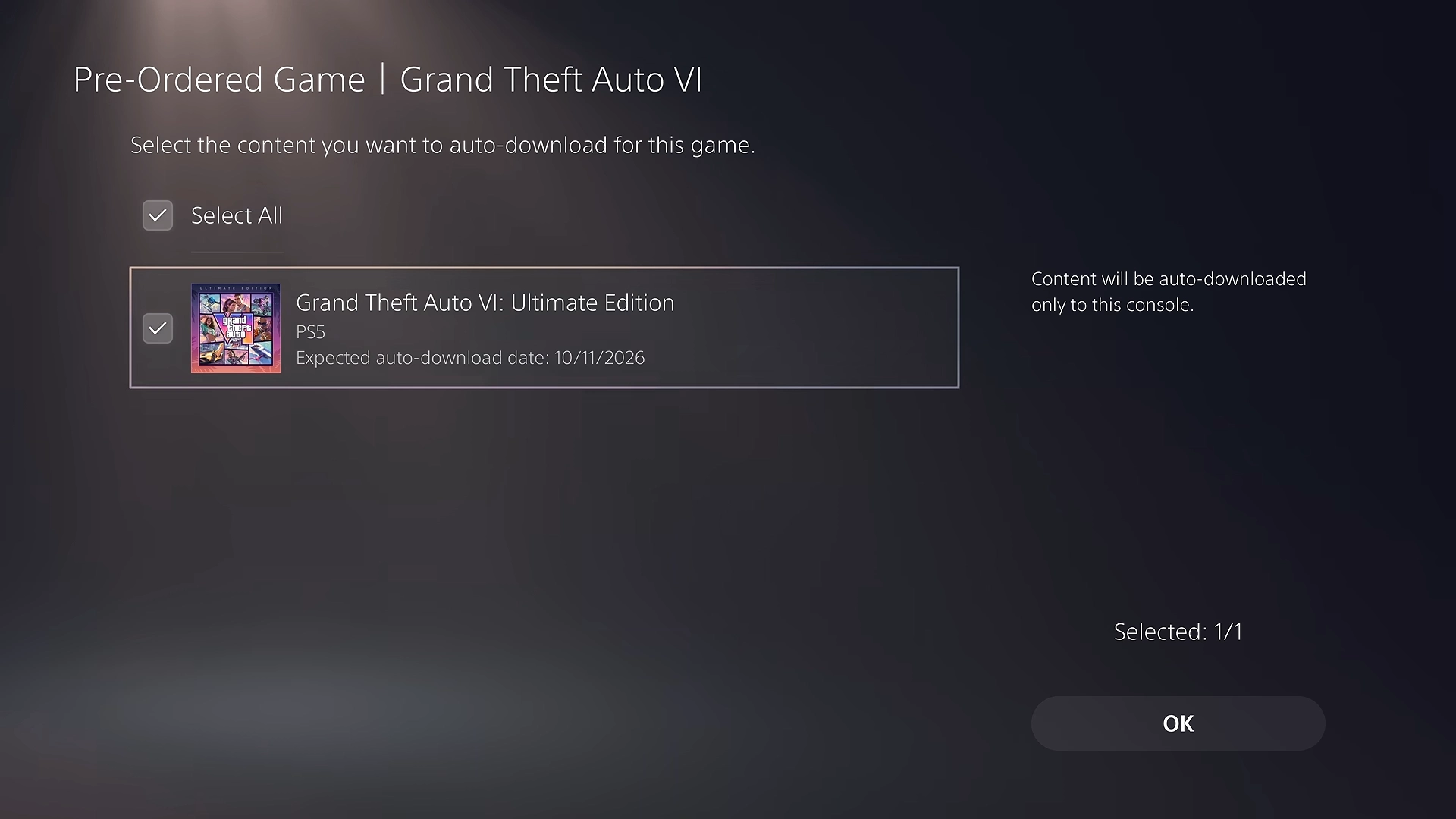
Ticking auto-download here lets the console fetch the game on its own once the pre-load opens, which is one less thing to remember. It still needs the full 212 GB free at that moment, so clear the space first.
Pre-loading only stages the files. The game stays locked until midnight local time on November 19, so a padlock before then isn’t a fault. Boxed owners can only begin pre-loading after they activate the code.
| Requirement | Status |
|---|---|
| Free space on PS5 | Up to 212 GB |
| Digital pre-load opens | Midnight local time, November 10 |
| Boxed code copies available | From November 12 |
| Game unlocks | Midnight local time, November 19 |
| Playable during pre-load | No |
Get a GTA 6 download moving when it won’t start
Pause and Resume is the first fix PlayStation lists for a download that won’t start. Open the control center, choose Downloads/Uploads, select GTA 6, then pick Pause and Resume.
It did nothing for me. I kept reopening that screen every few minutes, as if the bar might move because I was watching it.
Next is Cancel and Delete, then finding the game in Game Library and starting again. The label is literal, so I left it for second place. The GTA 6 preload steps cover the normal route if you are restarting.
Also compare the minimum space under View Product (Game Library, the game, then the … (more) button) with what Storage shows.
What to do when the GTA 6 download is stuck
PlayStation’s steps for a stuck download start with the connection, not the console. Go to Settings, Network, Connection Status and select Test Internet Connection.
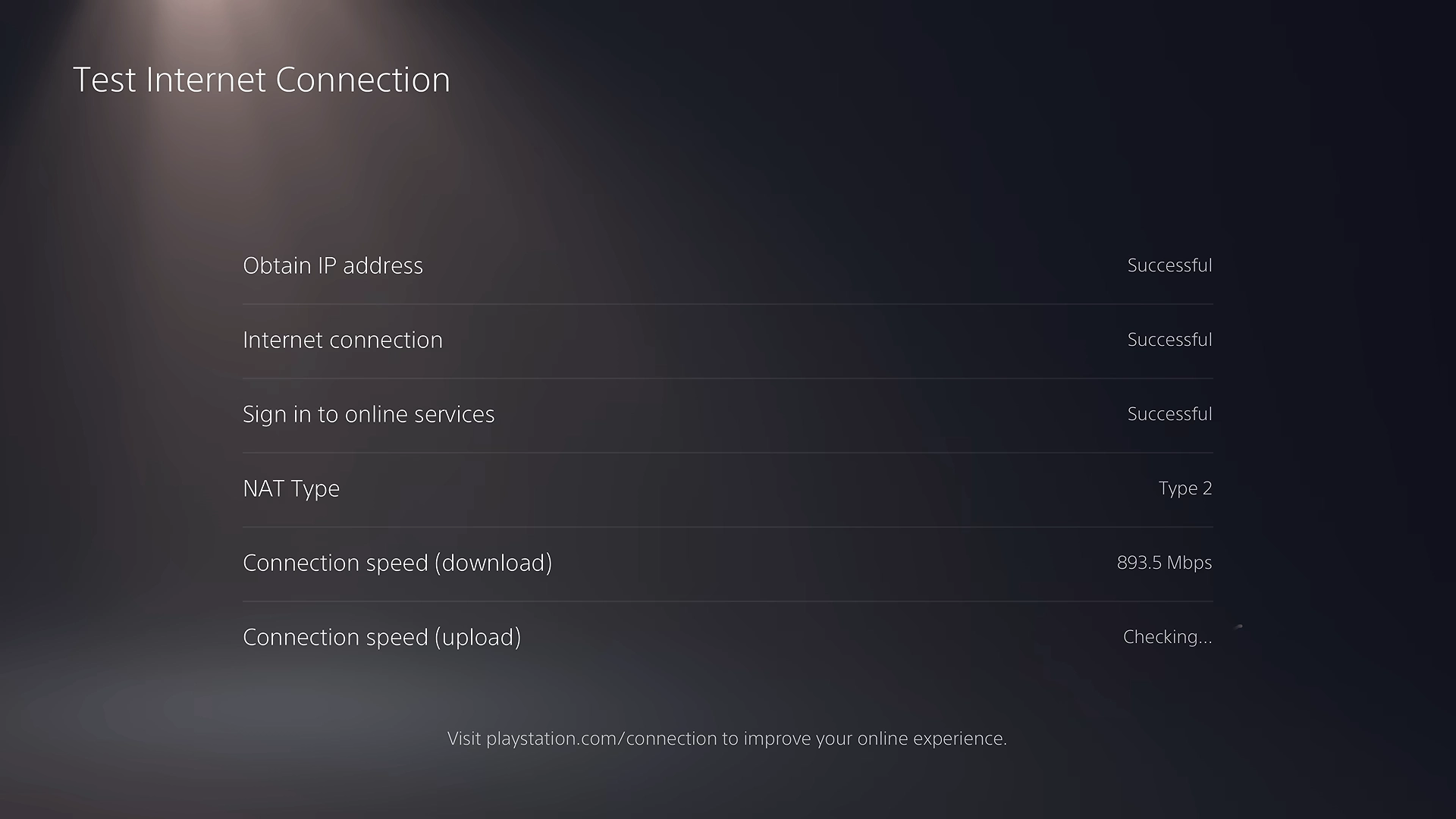
A 212 GB file also looks stuck when it’s only slow. At 100 Mbps it needs roughly five hours at best, and at 25 Mbps closer to nineteen.
I’d been judging the bar over minutes, and that was the wrong window. An hour is a fairer check before you assume something failed.
Fix a locked GTA 6 on PS5
Start with the license if GTA 6 still shows a padlock after midnight local time on November 19. Confirm you are signed in to the account that bought the game and check its transaction history. On a shared console, the account owner has to enable Console Sharing and Offline Play.
This was my second failure. The download had finished, so I assumed the game was fine, and I nearly deleted it to start over. Deleting 212 GB won’t fix a license problem, so work through the steps below first.
Check the PlayStation status page first, because an outage on Sony’s side looks identical to a fault on your console. Then update system software at Settings, System, System Software, System Software Update and Settings.
After that, enable Console Sharing and Offline Play at Settings, Users and Accounts, Other, and restore licenses from the same Other menu. Restoring licenses doesn’t affect your data.
GTA 6 missing from your PS5 library
If GTA 6 never shows up in Game Library, check your transaction history to confirm the purchase went through on that account. Then look for hidden games, because a title you hid earlier stays hidden on every console tied to the account. After that, turn on Console Sharing and Offline Play and restore licenses, the same steps as a padlock.
Safe Mode as the last step for GTA 6 on PS5
Safe Mode with Clear Cache and Rebuild Database is the final fix in all three PlayStation sections. Hold the power button for three seconds to turn the PS5 off. Then hold it again and release after the second beep, about seven seconds later.
Connect a controller with a USB cable, press the PS button, then choose Clear Cache and Rebuild Database. Leave the other options alone, because PlayStation warns that some Safe Mode options erase data, and Reset PS5 wipes the console.
DigitBin’s PS5 error fixes covers the same menu for other PS5 errors.
If every step fails, contact PlayStation Support with any error codes or messages, what you tried, the date and time of the attempt, and a screenshot or video if possible.
Frequently Asked Questions
How much space does GTA 6 need on PS5?
GTA 6 needs up to 212 GB of free space on PS5. Rockstar says the exact figure depends on your device.
Can I play GTA 6 early if the pre-load finishes?
No. The pre-load only stages the files, and GTA 6 stays locked until midnight local time on November 19.
Why does GTA 6 show as locked on my PS5?
Before midnight local time on November 19, a locked GTA 6 is expected. After that, check the buying account, enable Console Sharing and Offline Play, and restore licenses.
What do I do if the GTA 6 download won’t start?
Pause and Resume the download from Downloads/Uploads in the control center. If that fails, select Cancel and Delete, find GTA 6 in Game Library and try again.
Do these fixes work on Xbox?
No. They come from PlayStation’s guide, so Xbox Series X|S owners need Microsoft’s support steps.