A 65-inch TV that carried a $2,699.99 list price in March can be listed at $1,399.99 in November, so the sticker tells you very little. The things to check before buying a TV are mostly on the spec sheet and in the warranty text, not on the shelf tag.
Most regret comes from small misses. A console plugged into a slow HDMI port, a stand too wide for the cabinet, or a return window that closed before the glare became obvious.
I have not bought or tested the sets named here. Specs, prices and policies are current as of mid-November 2026, with US pricing throughout.
TL;DR: Pick the panel for your room first: OLED for dim rooms, mini-LED or RGB mini-LED for bright ones. Then confirm a native 120Hz panel, enough full-speed HDMI ports, and the HDR format your services use. Read the warranty and return window before paying, because most US TV warranties run one year. Ignore launch prices and compare against what the set sold for last month.
1. Display technology: OLED, mini-LED or RGB mini-LED
Display technology decides more of the picture than any other line on the box. OLED pixels make their own light, so black is fully black and there is no glow around subtitles.
Mini-LED puts a backlight behind an LCD layer, which gets far brighter but can leak light around bright objects in dark scenes.
RGB mini-LED is the new option for 2026. It swaps the single-color backlight LEDs for red, green and blue ones to widen color, and it sells as Hisense RGB MiniLED, Samsung Micro RGB, LG Micro RGB evo and Sony True RGB.
It is also the priciest LCD tier, so the value question is whether your room needs that much light.
| Display type | Main strength | Main weakness | Fits best |
|---|---|---|---|
| OLED | Full black, no glow around subtitles | Lower brightness | Dim rooms |
| Mini-LED | Far brighter than OLED | Light can leak in dark scenes | Bright rooms |
| RGB mini-LED | Wider color with high brightness | Priciest LCD tier | Bright rooms |
2. Brightness and glare in your actual room
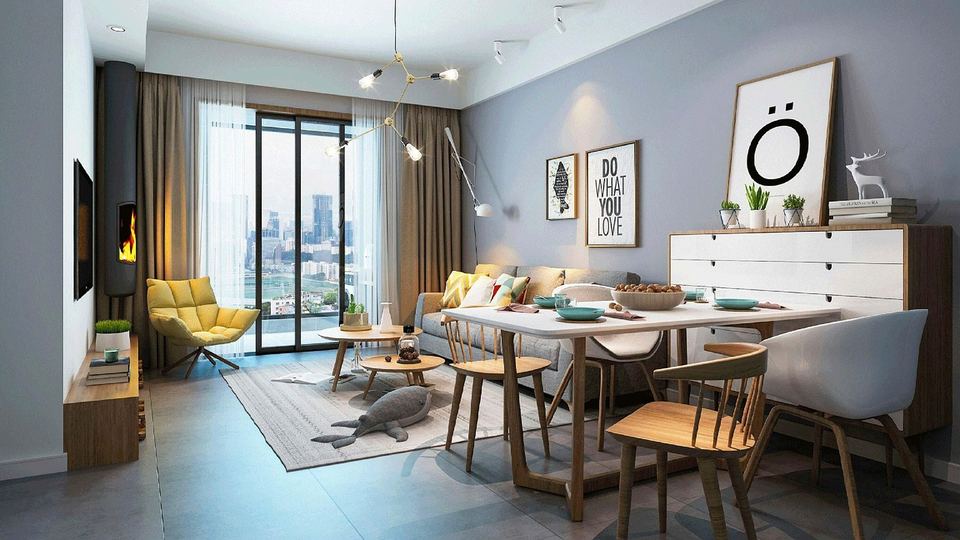
Brightness matters most if you watch with the curtains open. In Tom’s Guide lab tests, the Hisense UR9 RGB mini-LED reached 4,370 nits in HDR on a replacement unit, against 1,251 nits for the LG C6 OLED. The first UR9 unit measured 3,327 nits, and TechRadar also recorded 4,370 nits in Filmmaker Mode, so figures can vary from unit to unit.
The gap is wider with everyday SDR content, at 343 nits against 2,486. That is the difference between a watchable afternoon game and squinting past a reflection of your own window.
Check the screen coating too. Anti-glare finishes cut reflections, though some home cinema fans say they slightly affect black levels. Glossy screens keep the deepest blacks and show every lamp behind you.
3. Screen size against your seating distance
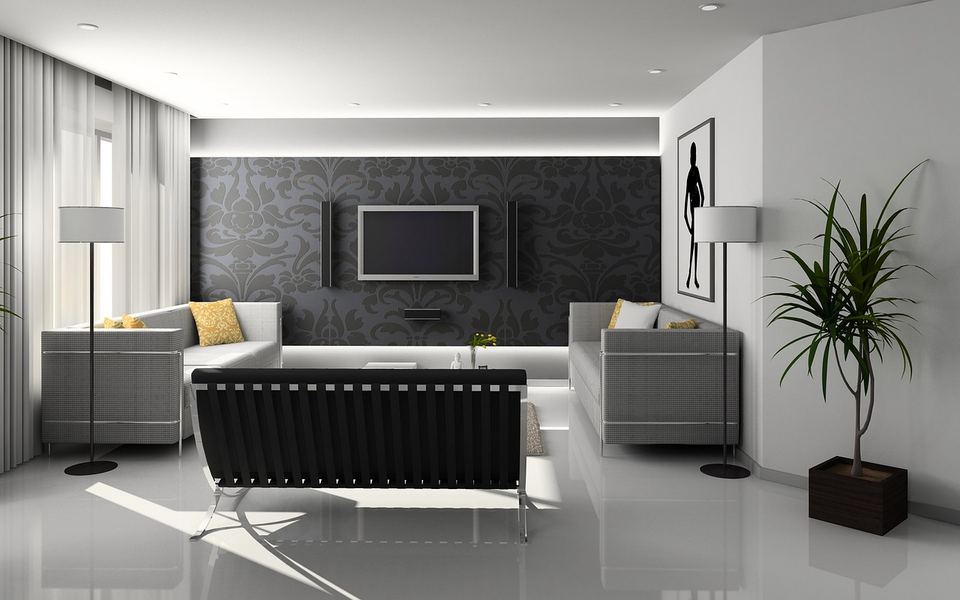
Measure from the sofa to the wall before picking a size. A 65-inch screen fills a comfortable 30 to 40 degrees of your view from roughly 6.5 to 9 feet away.
Sit farther back than that and a 75-inch set is the better buy. Sit closer and 55 inches will do, and it costs less.
The usual mistake is buying for the store aisle. A TV that looks huge at Best Buy shrinks once it is alone on a living room wall.
4. Native refresh rate, not the marketing number

Look for the words native 120Hz or native 144Hz on the spec sheet. Cheaper sets use 60Hz panels and then print bigger figures such as Motion Rate 120 on the box, which describe processing and not the panel.
A native 120Hz panel helps with sports and is required for 4K at 120 frames per second from a PS5 or Xbox Series X.
You no longer need to spend much for it. Some 65-inch mini-LED sets with native 144Hz panels were selling for around $650 in early November.
If a listing only shows a branded motion number, assume 60Hz until the spec sheet says otherwise.
5. How many HDMI ports run at full speed
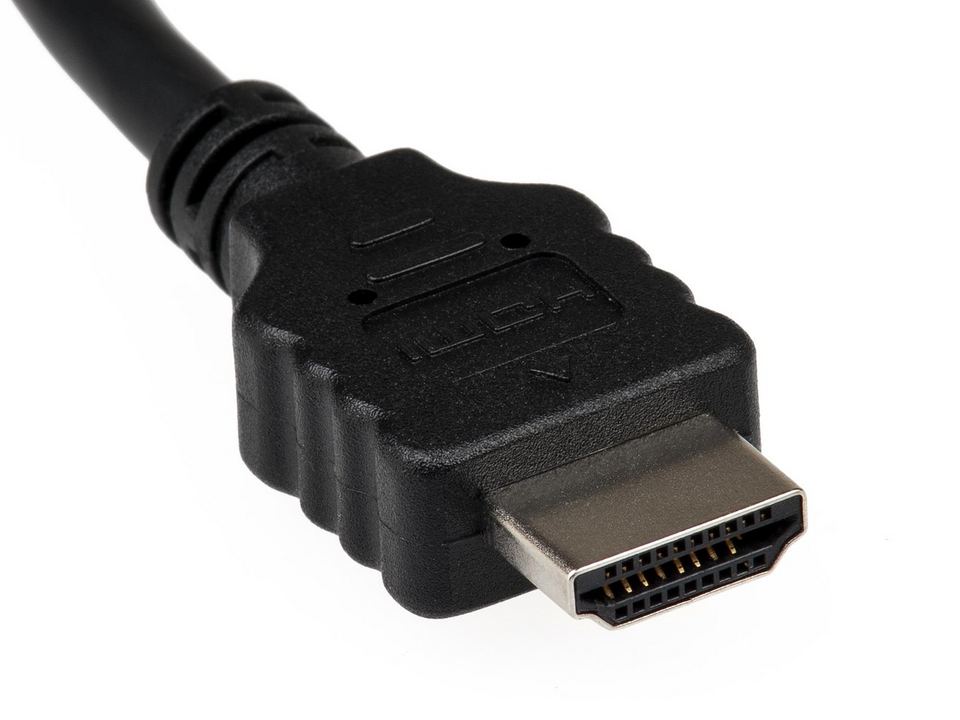
Count the full-speed HDMI 2.1 ports, not the total. Four ports on the back does not mean four ports that accept 4K at 120Hz.
- LG C6: all four ports handle 4K at 120Hz
- Samsung S90H: all four ports are rated for 4K at 165Hz
- TCL QM7L: two ports at 4K 144Hz and two at 4K 60Hz
- Sony Bravia 8 II: two of four ports are HDMI 2.1
The shortfall shows up when a console, a gaming PC and a soundbar all want a fast port on the same evening.
The 165Hz figures apply only to a PC with a graphics card that can output it, so console owners can ignore them.
6. HDR formats: Dolby Vision or HDR10+
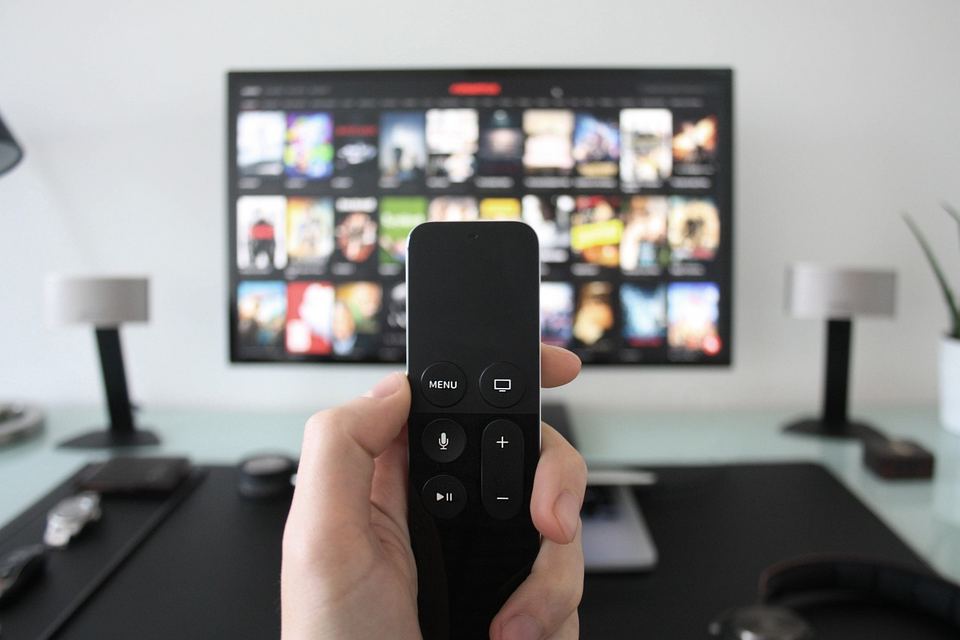
Check which HDR format the TV supports, because the brands have split. Samsung TVs do not support Dolby Vision at all and use HDR10+ instead, while LG, Sony, TCL and Hisense support Dolby Vision.
Dolby Vision has been the more widely used format on Netflix, Disney+ and Apple TV, and HDR10+ is strongest on Prime Video.
Two newer versions arrived in August 2026. HDR10+ Advanced works on Samsung’s 2026 sets with Prime Video titles, and Dolby Vision 2 reached Hisense’s 2026 UX, UR9, UR8 and U7 lines through a firmware update.
LG’s 2026 TVs support Dolby Vision but not Dolby Vision 2. Content for both new formats is thin so far and I would not pay extra for either badge this year.
7. The operating system: sideloading limits and update promises
The operating system also decides what you can install, and you cannot swap it later. Google TV lets you sideload an APK from a USB stick or with the Send Files to TV app, which helps when an app is missing from the Play Store.
That openness is narrowing. Google’s developer verification rules took effect on September 30, 2026 in Brazil, Indonesia, Singapore and Thailand, with a global rollout on certified Android devices planned for 2027. Google has not said whether Google TV is covered, and an advanced flow still lets power users bypass the check.
Fire TV is split. Smart TVs with Fire TV built in run Fire OS and still allow sideloading, while the Fire TV Stick 4K Select and Fire TV Stick HD run Vega OS, which does not support APK installs.
Samsung Tizen, LG webOS and Roku do not accept Android APKs at all. Roku does not allow sideloading, and Samsung’s own community advice for a missing app is to buy a streaming device that has it. Vizio OS supports Google Cast and Apple AirPlay, so casting from a phone covers some gaps.
If you depend on a niche app such as a local media player, check that it exists for that platform before you buy.
The software will age faster than the panel, so check the update promise. Samsung promises seven years of Tizen updates counted from release, covering its AI TVs from March 2024 and select 2023 models, though which models qualify is vague. LG’s webOS Re:New program covers four upgrades over five years.
Google TV sets from Sony, TCL and Hisense generally come with no comparable written figure, so treat that as an unknown.
A short promise is not a dealbreaker. When the menus slow down in year four, a $40 to $80 streaming stick replaces the software without replacing the screen.
8. Viewing data settings you will be asked to accept
Most smart TVs can track what is on screen through automatic content recognition, or ACR. ACR identifies what you watch, including from HDMI devices, and the data feeds ad targeting.
The Texas attorney general sued Samsung, LG, Sony, Hisense and TCL in December 2025, alleging their TVs collected viewing data without proper consent. Samsung and LG have since settled, but those agreements come out of the Texas case and focus on Texas consumers, so they do not set a nationwide rule.
During setup, decline the optional viewing data and ad agreements, then review those settings separately afterwards. A Northeastern University study of 12 TVs from 10 brands saw a Samsung set keep sending traffic consistent with ACR after opt-out, while the tested LG and Sony systems went quiet. Most of that traffic was encrypted, so it shows continued network activity and not proof of what was collected. On Samsung the setting is Viewing Information Services and on LG it is Live Plus, and this smart TV tracking guide covers the rest.
9. The tuner, if you use an antenna
Antenna users should check for an ATSC 3.0 tuner, sold as NextGen TV. ATSC 3.0 is the newer over-the-air broadcast standard, and ATSC says about 76% of the US is within reach of a signal.
LG has not included an ATSC 3.0 tuner since 2024. Samsung’s 2026 OLEDs reportedly skip it as well, while Sony, Hisense and TCL include it on select models.
Every TV still receives today’s standard ATSC 1.0 channels. If you stream everything, skip this line entirely.
10. The stand, the wall mount and the cabinet
Check how the TV stands up before it arrives. Many sets use two feet near the edges, so a 65-inch TV can need a surface close to its full width of about 57 inches.
Some premium models go the other way. The LG G6 sold as model OLED65G6WUA ships with a flush wall mount in the box instead of a stand, which means an extra purchase if you wanted it on furniture.
Look up the VESA mount pattern and the weight as well if you plan to reuse an old wall bracket.
11. Warranty length and the return window
Most US TV warranties run one year, and that includes the LG C6. LG makes an exception for the G6, which has a five-year panel warranty where labor is charged after the first year.
The retailer changes the math more than the brand does.
- Best Buy: 15 days to return, or through January 15, 2027 for purchases made October 30 to December 31, 2026
- Amazon: 30 days as standard, or through January 31, 2027 for most items bought November 1 to December 31, 2026 (Apple products through January 15)
- Costco: 90 days, plus a second year of warranty coverage
Burn-in coverage on OLED varies by warranty document, so read the exclusions list instead of trusting a badge on the product page.
12. The real price, not the launch price
Compare against recent selling prices, never the crossed-out launch figure. The 65-inch LG C6 has a $2,699.99 list price and was listed at $1,399.99 in early November, so a tag claiming $1,300 off says little about whether the price is good.
Check the model year as well. Samsung’s 2026 sets end in H and LG’s carry a 6, as in S90H and C6. Last year’s S90F and C5 are often the better value while stock lasts.
DigitBin’s roundup of Black Friday TV deals lists target prices for the popular 65-inch sets.
Frequently Asked Questions
Is OLED or mini-LED better for a bright room?
Mini-LED or RGB mini-LED suits a bright room better than OLED. In Tom’s Guide lab tests the Hisense UR9 reached 4,370 nits in HDR on a replacement unit against 1,251 nits for the LG C6 OLED.
Do Samsung TVs support Dolby Vision?
No, Samsung TVs do not support Dolby Vision. Samsung uses HDR10+ instead, and its 2026 sets add HDR10+ Advanced with Prime Video titles.
How many HDMI 2.1 ports do I need?
You need one full-speed HDMI 2.1 port for each console or gaming PC. The LG C6 and Samsung S90H have four, while the TCL QM7L and Sony Bravia 8 II have two.
How long is the warranty on a new TV?
Most US TV warranties run one year. The LG G6 adds a five-year panel warranty, and Costco adds a second year of coverage on TVs it sells.
What size TV should I get for my room?
A 65-inch TV suits a seat roughly 6.5 to 9 feet from the screen. Go up to 75 inches if you sit farther back and down to 55 inches if you sit closer.
Pull the spec sheet for the exact model number before you pay
Retail listings shorten things. The manufacturer’s spec page for the exact model number shows the native refresh rate, which HDMI ports are fast, the HDR formats and the tuner.
Sizes within one series can differ too. LG’s Hyper Radiant Color Technology is only on the 77 and 83-inch C6, so a review of one size does not always describe another.
Open that page, tick off the ports and formats you need, and write the return deadline on the receipt the day the box arrives.