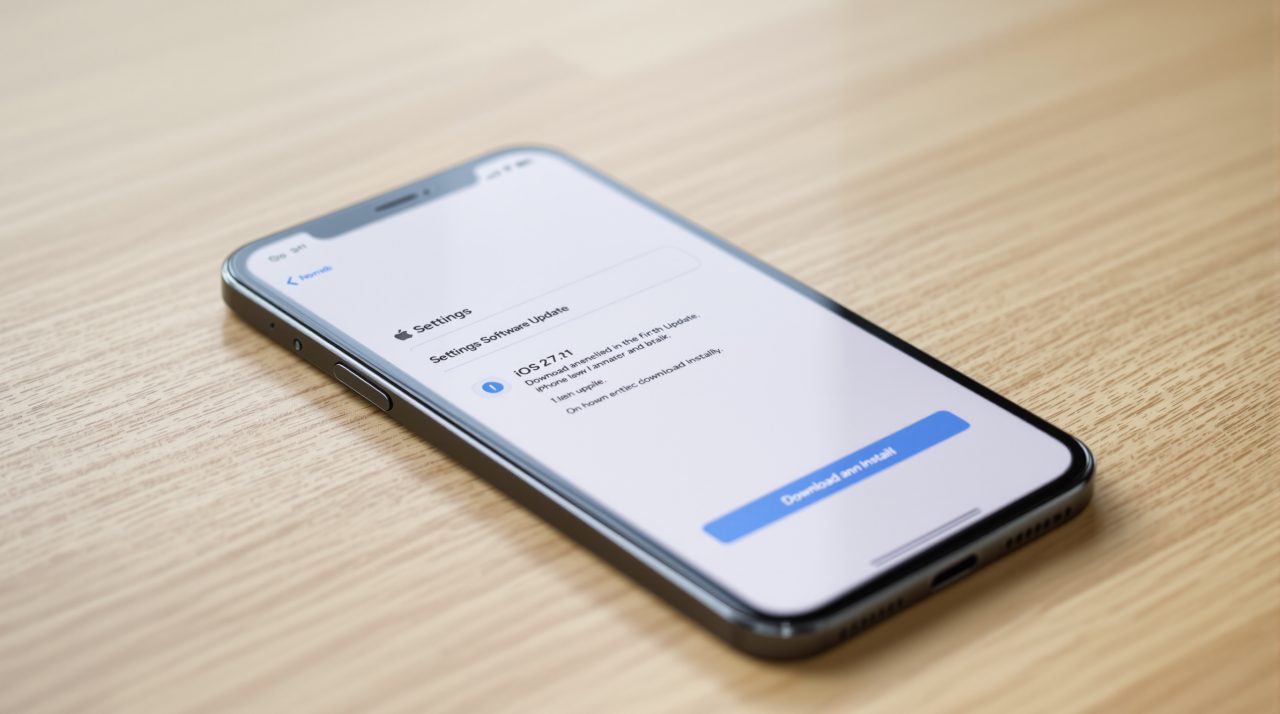
Apple released iOS 27.2.1 on November 9, 2026, and its security notes list nine fixes, including one that let a remote attacker join an iMessage group chat and receive its messages. Four more entries deal with how nearby devices pair over Bluetooth and AirPlay.
Apple’s page does not say any of these flaws were used in attacks, so this is not an emergency patch. It is still an update to install soon, because the pairing fixes cover what happens when your iPhone sits near someone else’s device in a cafe or on a train.
TL;DR: iOS 27.2.1 fixes nine security issues, two in iMessage group chats and four in Bluetooth and AirPlay pairing. Apple makes no claim that any were exploited. It runs on iPhone 11 and later, and Apple shipped matching builds for people on iOS 26 and iOS 18. Nothing here needs a workaround, only the update.
What iOS 27.2.1 fixes, entry by entry
Apple lists the nine fixes for iPhone 11 and later, plus supported iPads running iPadOS 27.2.1. Only the Messages entries are about chat privacy, while the rest are about nearby devices and malformed data.
| Component | CVE | What Apple says could happen |
|---|---|---|
| AirPlay | CVE-2026-113968 | A nearby attacker over Bluetooth may bypass the rate limit on pairing code attempts |
| App Intents | CVE-2026-113963 | An app may access sensitive user data |
| Bluetooth | CVE-2026-113970 | A nearby attacker over Bluetooth may corrupt process memory |
| brotli | CVE-2026-111497 | Maliciously crafted input may cause memory corruption |
| CoreUtils | CVE-2026-113965 | A malicious Bluetooth device may pair without user interaction |
| CoreUtils | CVE-2026-113964 | A nearby attacker may bypass the pairing code rate limit and pair without user interaction |
| Messages | CVE-2026-113961 | A remote attacker may join an iMessage group chat and receive its messages |
| Messages | CVE-2026-113960 | A user added to an iMessage group may access messages sent before they joined |
| rapportd | CVE-2026-113969 | An attacker on the same network may bypass the rate limit on AirPlay pairing code attempts |
Apple credits itself for the AirPlay, Bluetooth, one CoreUtils and the rapportd fixes. That suggests the pairing problems were found internally rather than reported from outside.
The iMessage group chat fixes
Two Messages entries cover group chats. In one, Apple says a remote attacker may join a group and receive its messages, an authorization issue now fixed with improved validation. An anonymous researcher is credited.
The other says a person added to a group may read messages sent before they joined, and Apple fixed it by removing the vulnerable code. If you have ever added a relative to a long family thread, that is the case that matters. The same release cycle that brought back Messages suggestions in iOS 27.2 now closes a quieter hole in the same app.
Bluetooth and AirPlay pairing fixes
Four entries concern pairing. Two let a nearby attacker skip the limit on pairing code attempts, one lets a malicious Bluetooth device pair without any tap from you, and one covers a network attacker guessing AirPlay codes.
Rate limits exist so an attacker cannot simply try every code until one works. Bypassing that limit is not dramatic on a quiet street, but it matters in a crowded place. Apple also fixed a Bluetooth memory corruption bug, which keeps this from being only a pairing story.
What to do if you are not on iOS 27
Apple did not leave older software behind. iOS 26.7.3 and iPadOS 26.7.3 arrived the same day for iPhone 11 and later and lists the same pairing and Messages components, so staying on iOS 26 is not a reason to skip it.
iOS 18.7.12 and iPadOS 18.7.12 covers the iPhone XS, iPhone XS Max, iPhone XR and iPad 7th generation. Its notes also include a MediaRemote fix for someone with physical access pairing a device with an AirPlay receiver from the lock screen. That is the detail most coverage will skip.
Install through Settings, General, Software Update. Check our iOS update tracker if you want to see where your phone stands, since it keeps the version history in one place.