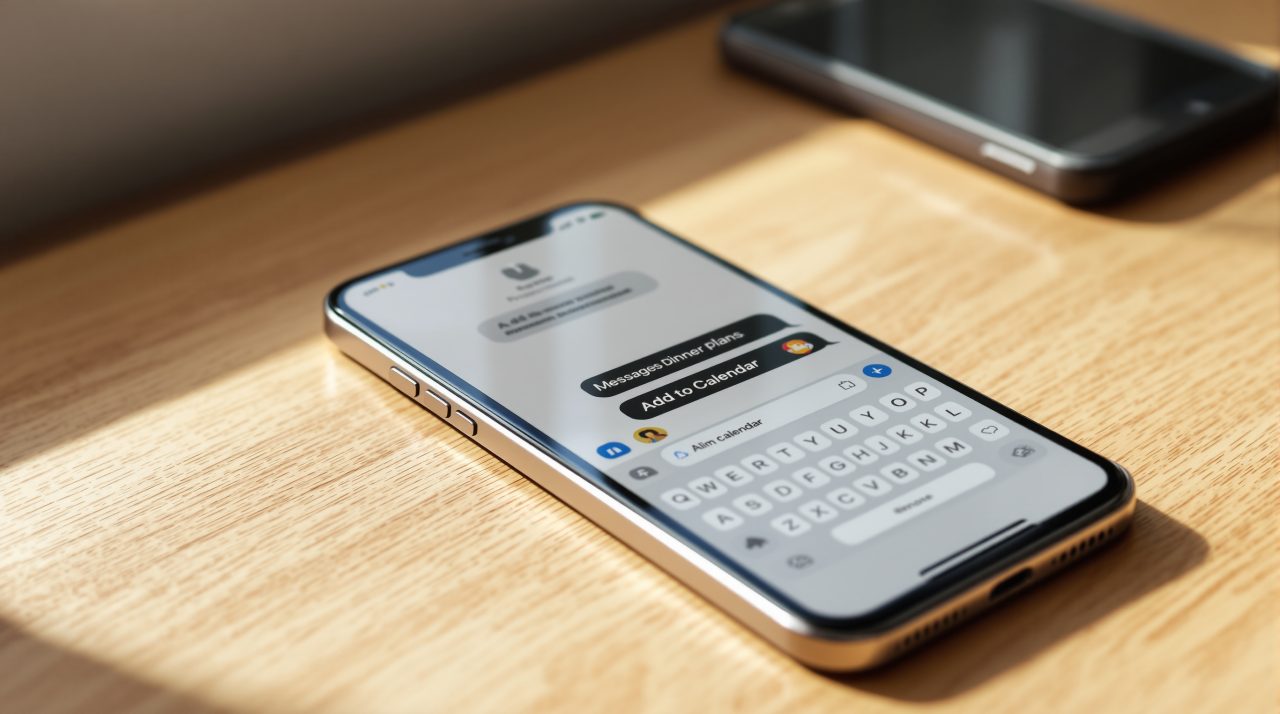
Apple released iOS 27.2 (24B119) on October 26, 2026, and iOS 27.2 Messages suggestions are back after Apple held the feature out of the September launch. Apple’s release notes say the chips help you take quick actions in Calendar and Reminders, with a dinner invite as the example.
If a friend texts a plan, you can now get a one tap button instead of copying the time into another app. What Apple has not said is whether the Notes, Maps, and Flights and Packages actions found in beta code made the final build.
TL;DR: iOS 27.2 restores Suggestions in Messages, and Apple’s own notes confirm only Calendar and Reminders actions. Beta code listed three more toggles, for Notes, Maps, and Flights and Packages, but Apple has not documented them. The feature is listed for English in nine countries, so check Settings after updating before assuming it is there.
iOS 27.2 Messages suggestions: what Apple confirms
Apple’s iOS 27 updates page says iOS 27.2 “introduces Suggestions in Messages” to help you take quick actions in apps like Calendar and Reminders. The example it gives is adding a Calendar invite for a dinner.
That is a narrower promise than the feature list some outlets are repeating. Apple’s page does not mention Notes, Maps, flights, or packages at all.
The feature is not new to Apple’s plans. iThinkDifferent reported that Messages suggestions were pulled shortly before the September 14 launch of iOS 27, which explains why they arrive in a point update.
Anyone who has copied an address out of a thread and pasted it into another app will recognize the saving. Not a dramatic change, but a useful one. The part Apple left out is where the open questions sit.
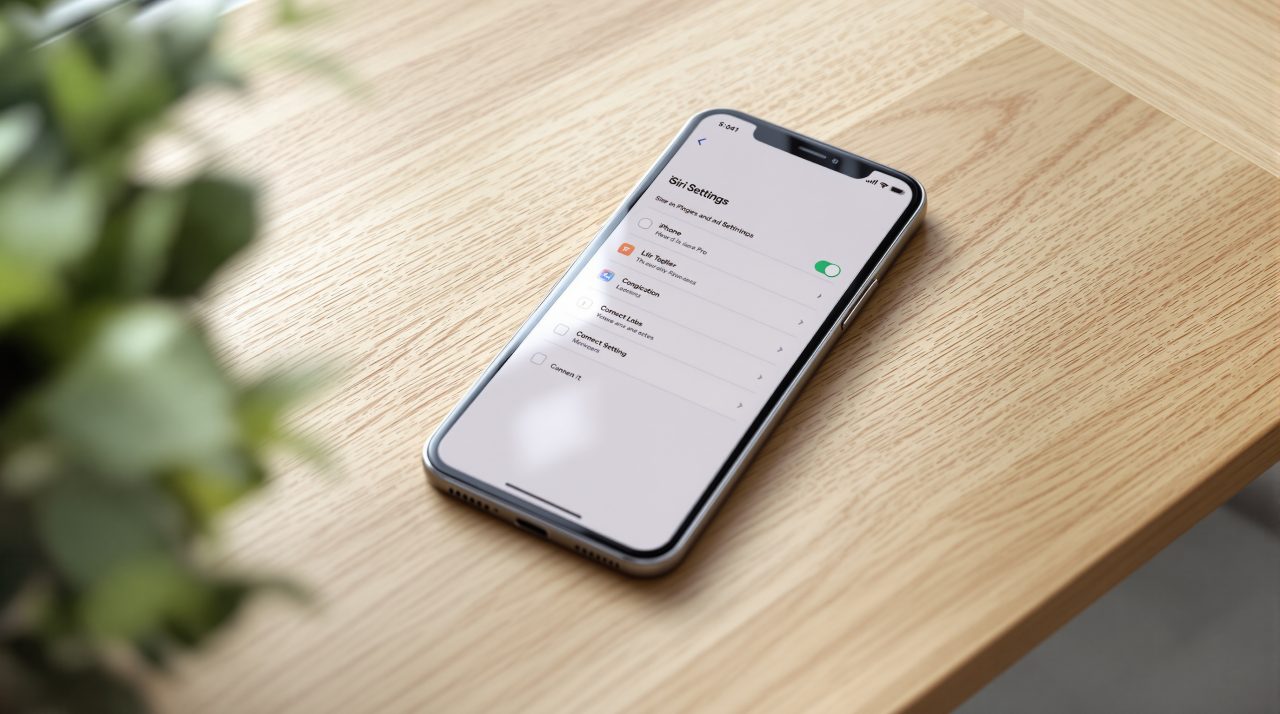
The three toggles Apple has not described
A settings screen found in iOS 27.2 beta 3 code listed five switches: Add to Calendar, Add to Reminders, Add to Notes, Show in Maps, and Flights and Packages. iThinkDifferent also described a Hide Unused Suggestions switch that stops suggestions you ignore from appearing after 30 days.
That was beta code, and code can change before release. Apple’s published notes for the shipping build do not mention the extra switches, so treat them as likely but unconfirmed.
If they did ship, the practical difference is control. You could keep calendar chips and silence the rest, instead of living with all or nothing.
The 30 day rule deserves a second look too. A feature that hides itself when you ignore it needs a way back, and on the beta screen that meant switching an individual toggle off and on again. Whether any of this reaches your phone also depends on where you live.
Who gets Messages suggestions, and in what language
Apple’s feature availability page lists Messages: Suggestions for English in Australia, Canada, India, Ireland, New Zealand, Singapore, South Africa, the United Kingdom, and the United States.
The page shows no other languages for it and gives no device requirement for this feature. Siri AI in the same update is limited to iPhone 16 models and later, plus iPhone 15 Pro and iPhone 15 Pro Max, but Apple does not say Suggestions carries that limit.
If your iPhone runs in French or Spanish, the listing suggests you will not see the chips yet. For the rest of the update, our iOS 27.2 Shared Albums piece covers the Photos changes.
What to check after you update
Open Settings, then Apps, then Messages, and look for a Suggested Actions page. That path comes from iThinkDifferent’s reading of the update rather than Apple’s documentation, so the menu may look different on your build.
If you see five toggles, the beta code held up. If you see two, Apple’s notes were the complete story.
Either way, the useful habit is small: when a feature list and the vendor’s own notes disagree, plan around the notes. If you are updating anyway, the iOS 27.2 security fixes are worth a look too.