A few months ago, when Samsung started heavily promoting its Galaxy AI features, I was genuinely impressed. Things like AI photo editing, live call translation, smart notes, and text summaries looked super useful in day-to-day life. But I wasn’t using a Samsung phone. Like many Android users, I started wondering if there was any way to get these Samsung AI features on a non-Samsung device.
After digging around, I quickly realized the truth. Samsung AI features are deeply integrated into Samsung’s own software and hardware. That means you simply can’t install them directly on other Android phones, no matter how powerful your device is. There’s no official APK or setting that magically unlocks Galaxy AI on a Pixel, OnePlus, or Xiaomi phone.
However, that’s not where the story ends. While you can’t get Samsung AI itself, I discovered that you can get very close to the same experience. I’ll share how you can get Samsung-like AI features on any Android device. All of that, without switching phones or spending flagship-level money.
Several third-party apps available on the Play Store mimic Samsung AI features surprisingly well. From AI photo erasers to smart text summaries and voice tools, these apps replicate most of the practical functionality that people actually use. Here are some of them I personally used, which feel like a great alternative to Samsung AI.
One of the standout Galaxy AI features is Live Translate during phone calls. It listens on one side and instantly shows translated text or speech on your device. This is particularly useful if you communicate in multiple languages
AI Phone: Phone Call Translate (Paid): With this app, you can do live translation during your phone calls. Just like Samsung AI, it will automatically detect the caller’s language and translate it into English, or any other language of your choice.
Talking Translator – Languages (Free): If you don’t need in-call translation, then this app can help you with instant translation, allowing you to communicate with others in a multilingual environment. It even has an offline mode, which really helps when you don’t have access to the internet.
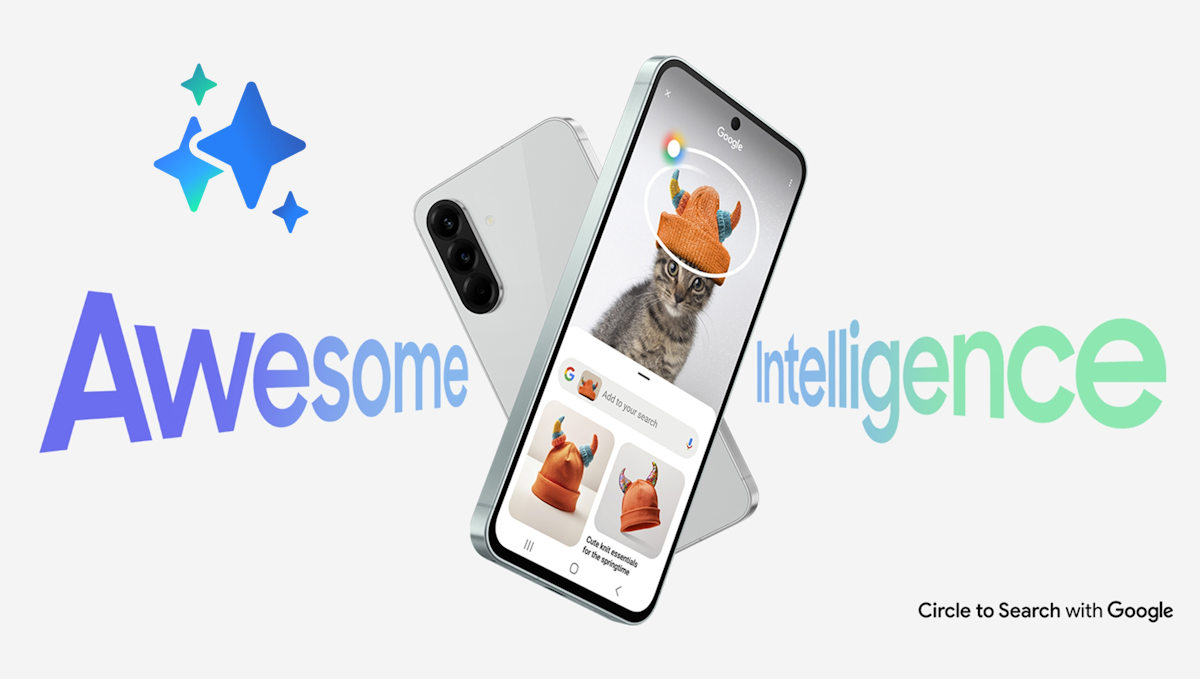
Circle to Search is one of those Samsung AI features that feels incredibly intuitive. Just circle anything on your screen and instantly search it on Google. However, you can get the same feature via the following apps:
Google Lens: You can take a screenshot or open an image and search for objects, text, products, plants, or places instantly. It even lets you copy text from images and translate it on the fly.
Samsung’s Galaxy AI includes a suite of creative tools like object eraser, generative edits, and enhancements directly in the Gallery app.
Object Remover – Photo Eraser: You can easily remove objects, unwanted people, or texts from your photos.
AI Retouch – Remove Object: With the help of AI, you can retouch your photos with a single click. You even get additional AI filters, which can turn your photos into amazing artworks.
AI Image Generator – CreArt: This app closely mimics Samsung AI to generate AI images with a generative background of your choice or even add features like sunlight, wind, or other AI-enabled edits.
Samsung’s Writing Assist (built into the keyboard) offers grammar fixes, tone changes, and even translation suggestions as you type. To enjoy the same benefits, you can install:
Microsoft SwiftKey Keyboard (Free): It includes AI-powered prediction, auto-correction, and built-in translation support via Bing Translate.
AI Keyboard: Writer, Grammar (Free): It is an excellent tool for rewriting and improving text quality on the go (tone adjustments and grammar suggestions).
These keyboards can give you smart suggestions similar to Samsung’s writing assist features, and each one works system-wide on Android.
Galaxy AI uses tools like Transcript Assist and Note Assist to turn audio recordings into searchable text and auto-summarize content. These alternatives help you capture meetings, lectures, or personal voice memos and convert them into text. Very similar to Samsung’s built-in AI tools.
Notion AI (Free version): It is Great for turning long notes into summaries, outlines, and action items.
ChatGPT (Free version): ChatGPT is a well-known app that can help you summarise the text, or even perform modifications or analysis on this text.
At the end of the day, Samsung AI is still exclusive to Samsung phones, and there’s no shortcut around that. But after using multiple third-party AI apps myself, I’ve realized that most people don’t need the Samsung branding; they need the features. And the above apps will definitely help you to achieve all the features Samsung AI has to offer.



