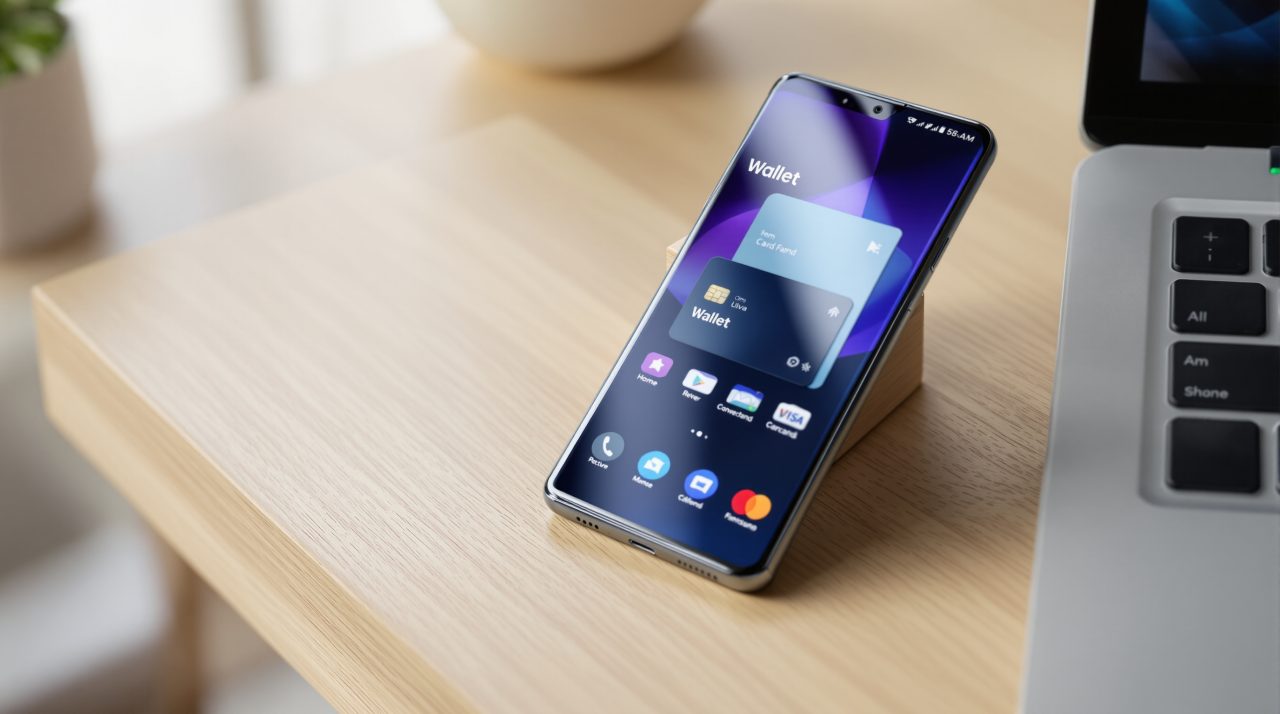
Samsung Wallet stablecoin support is coming to eligible Galaxy owners in the US, starting in the last week of October 2026, according to Samsung’s US newsroom. It launches with USDC, a dollar-denominated stablecoin, and lets you send money abroad from the same app that already holds your cards and car keys.
The useful part is not the crypto label. It is that a wallet millions of people already trust is trying to make international transfers feel like any other tap on the phone, with Samsung stepping back from actually holding the funds.
TL;DR: Samsung Wallet will let eligible US Galaxy users send USDC to crypto wallets, or send local currency to bank accounts in more than 60 countries. Setup needs identity verification and biometrics. Samsung says it is not a bank and does not hold your money, so partners carry the regulated work.
What Samsung Wallet stablecoin transfers can do
There are two ways to move money. You can send USDC from Samsung Wallet to a compatible third party crypto wallet or exchange account abroad, and Samsung says it charges no fee for that. The recipient’s provider may still charge one, and speed depends on blockchain conditions.
The second route is closer to a normal remittance. You send to an eligible bank account in more than 60 countries and the recipient gets local currency. Fees apply there, vary by destination and amount, and appear in the app before you confirm.
| Option | Recipient gets | Samsung fee | Where fees show |
|---|---|---|---|
| USDC to crypto wallet or exchange | USDC | None | Recipient provider may charge |
| Transfer to bank account (60+ countries) | Local currency | Varies by destination and amount | In the app before confirmation |
That split decides who this is really for, which starts with who qualifies.
Who can use it and what setup involves
Samsung puts about 82 million US Galaxy devices in the compatible group at launch. You need to be a US resident aged 18 or older, hold a Samsung Account, and run Android 13 or higher.
Before the first transfer you register, verify your identity, and set up biometric authentication. If your phone has quietly stopped getting patches, it is worth running through our guide to checking phone security updates first, because a wallet that moves money should sit on a supported device.
The published criteria are tied to Android version and account status rather than a model list, so the safest move is to check the Wallet app when the rollout reaches you.
Where your money sits and who is responsible
Bastion, a licensed stablecoin custodian and infrastructure provider, powers the cross border payment framework. Coinbase is Bastion’s sub custodian and safeguards USDC through Coinbase Prime Vault, with Solana and Sui among the blockchain networks supporting the rails.
Samsung states plainly that it is not a bank, money transmitter, or digital asset custodian, and that it does not hold customer funds. Transfers need biometric approval on a registered device, and sending to sanctioned jurisdictions is prohibited.
That is a sensible arrangement on paper. It also means that if something goes wrong, the company whose logo is on the app is not the one holding your balance.
Where Samsung Wallet goes next
Samsung says future versions may let you pay with stablecoins online or by tapping a compatible Galaxy phone in a store, and may expand to other markets as regulations allow. Those are plans, not promises, and none of it ships in the first release.
The launch also builds on earlier work with Coinbase, which already accepts Samsung Pay in its app and offers Coinbase One benefits through Samsung Wallet.
Wallet apps have mostly competed on cards and tickets. Adding cross border transfers is a different bet, and rivals are also widening what their wallets do, as the Apple Pay India launch shows.
What to check before your first transfer
Read the fee line shown before you confirm, especially on bank transfers, since that is where costs vary. For crypto wallet sends, confirm the receiving address and the network your recipient supports, because blockchain conditions set the speed.
Not a dramatic change, but an honest one: Samsung is renting regulated infrastructure and putting a familiar interface on top, and that is probably the right way to start.